Country-based onboarding
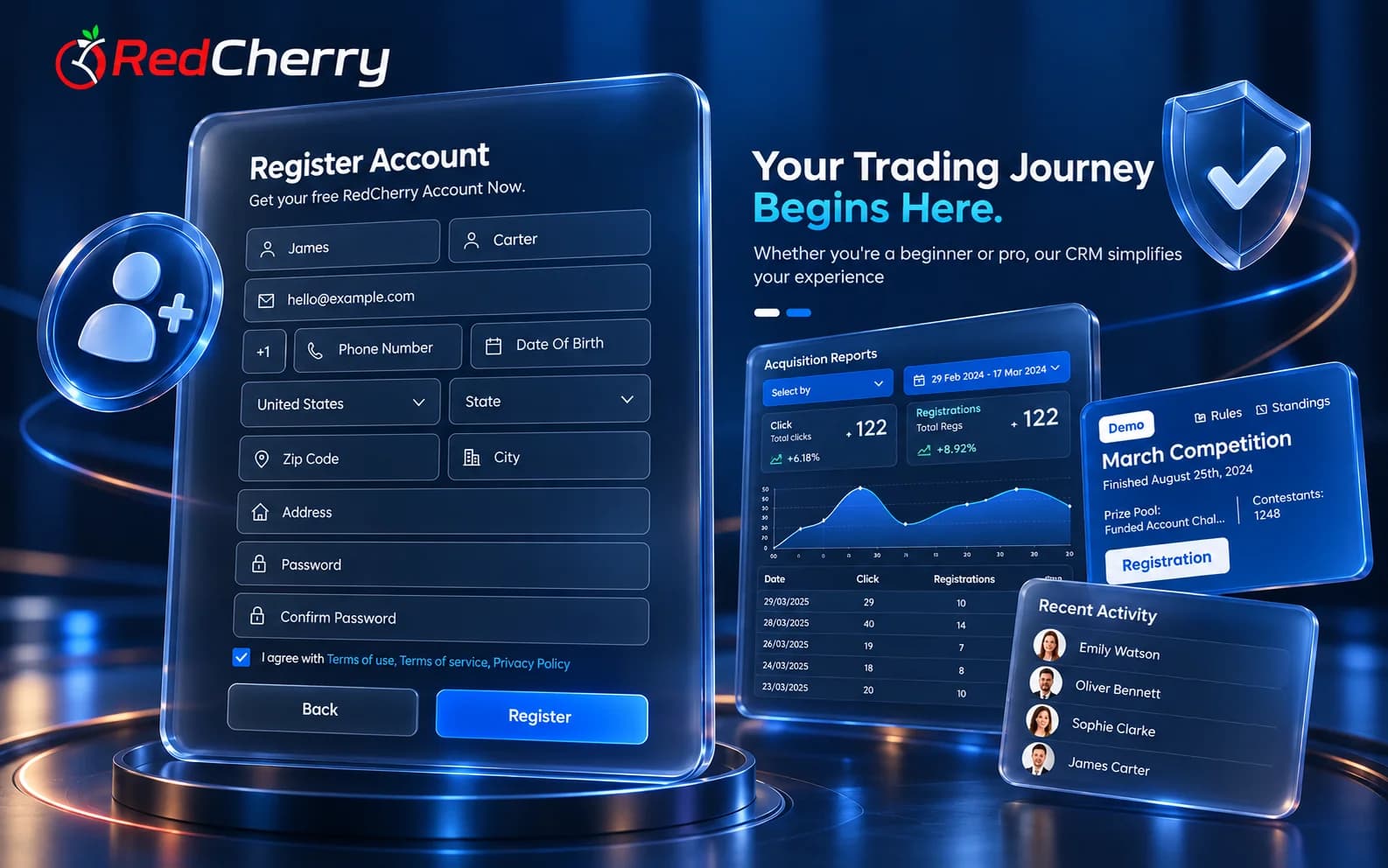
Region-specific sign-up with localized content, compliance requirements and payment options.
RedCherry
Broker & Prop Firm CRM
CRM & Lead Management
Track leads through your sales funnel, score and segment them, and manage the full client lifecycle with onboarding flows built for each region.
Sales, compliance and finance work from the same client profile, so nobody chases details in another tool.
Region-specific sign-up with localized content, compliance requirements and payment options.
Rank leads by criteria you set and focus your desk on the ones ready to fund.
Group clients by country, status or activity for targeted follow-up and campaigns.
Configure the sign-up and verification steps each region needs.
Automated follow-ups keep leads moving through the funnel.
Set response targets and plan lead work across your team.

Step 1
A lead arrives from your site or campaign and is captured with its source.

Step 2
Scoring and qualification rank the lead against your criteria.

Step 3
The lead converts, passes KYC and funds a trading account.
A brokerage's sales funnel has more steps than most CRMs expect: a lead lands from a campaign or an IB link, a sales desk qualifies it, compliance verifies the person, finance sees the first deposit and the trading platform opens the account. RedCherry's lead management module keeps every one of those steps on the same client record, so the desk never asks compliance for a status and finance never asks sales who the client is.
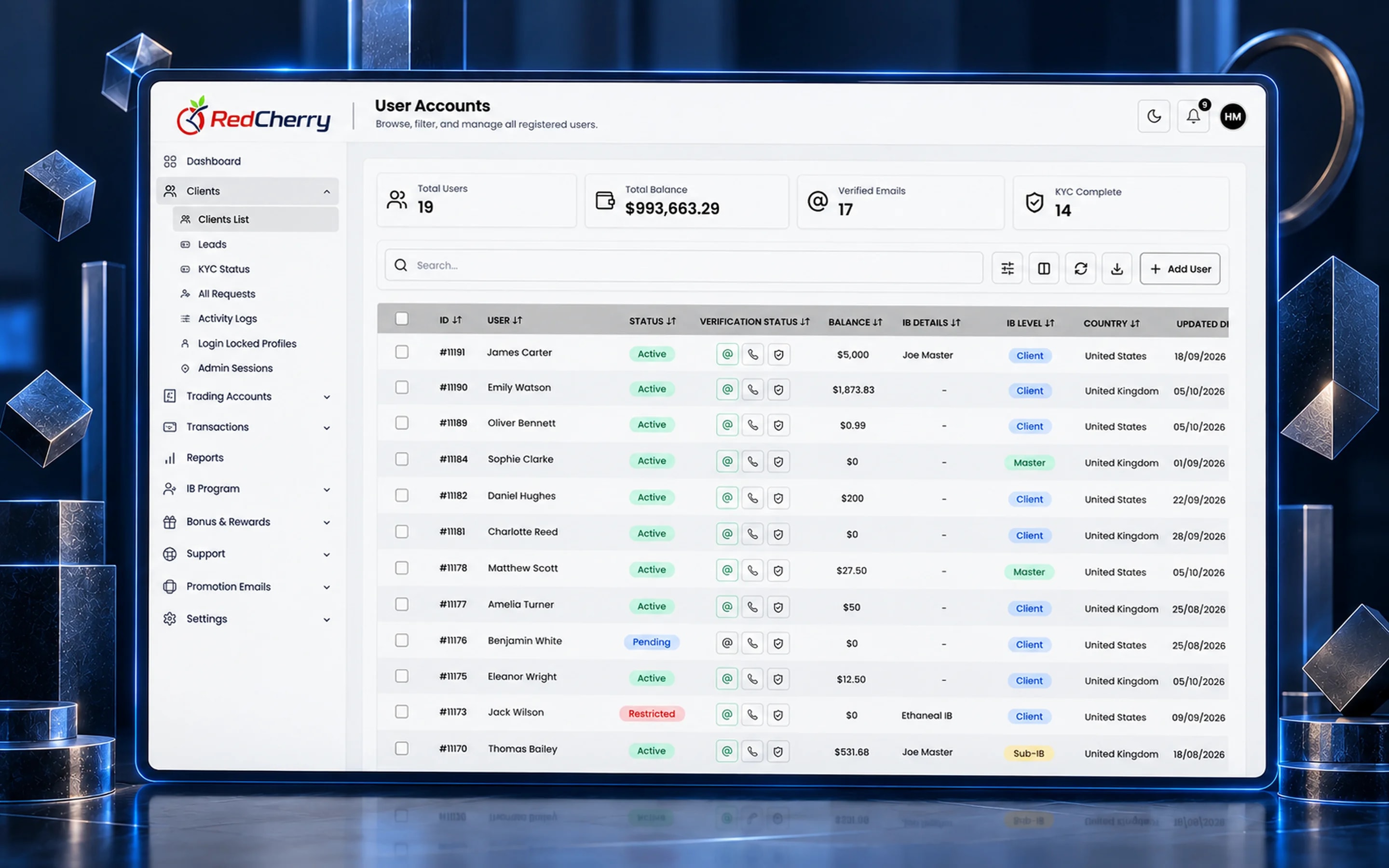
Leads arrive with their source attached, whether that is a landing page, a referral link from the IB program or a manual import. Scoring rules you define rank them, segments group them by country, status or activity, and automated follow-ups keep them moving until they convert. Once a lead becomes a client, the same record carries their KYC status, wallets, trading accounts, bonuses and tickets.
Most brokerages that come to us run leads in one tool, deposits in another and support in a shared inbox. The cost is not the licences; it is the questions nobody can answer quickly: did this client fund, is their KYC approved, which IB brought them, who promised them a bonus. A single record answers all of that, and the reporting dashboard aggregates it for management without exports.
Because the CRM is white-label and configurable, statuses, approval steps and onboarding flows follow your process rather than forcing a new one. Teams add desks and regions later without migrating data.
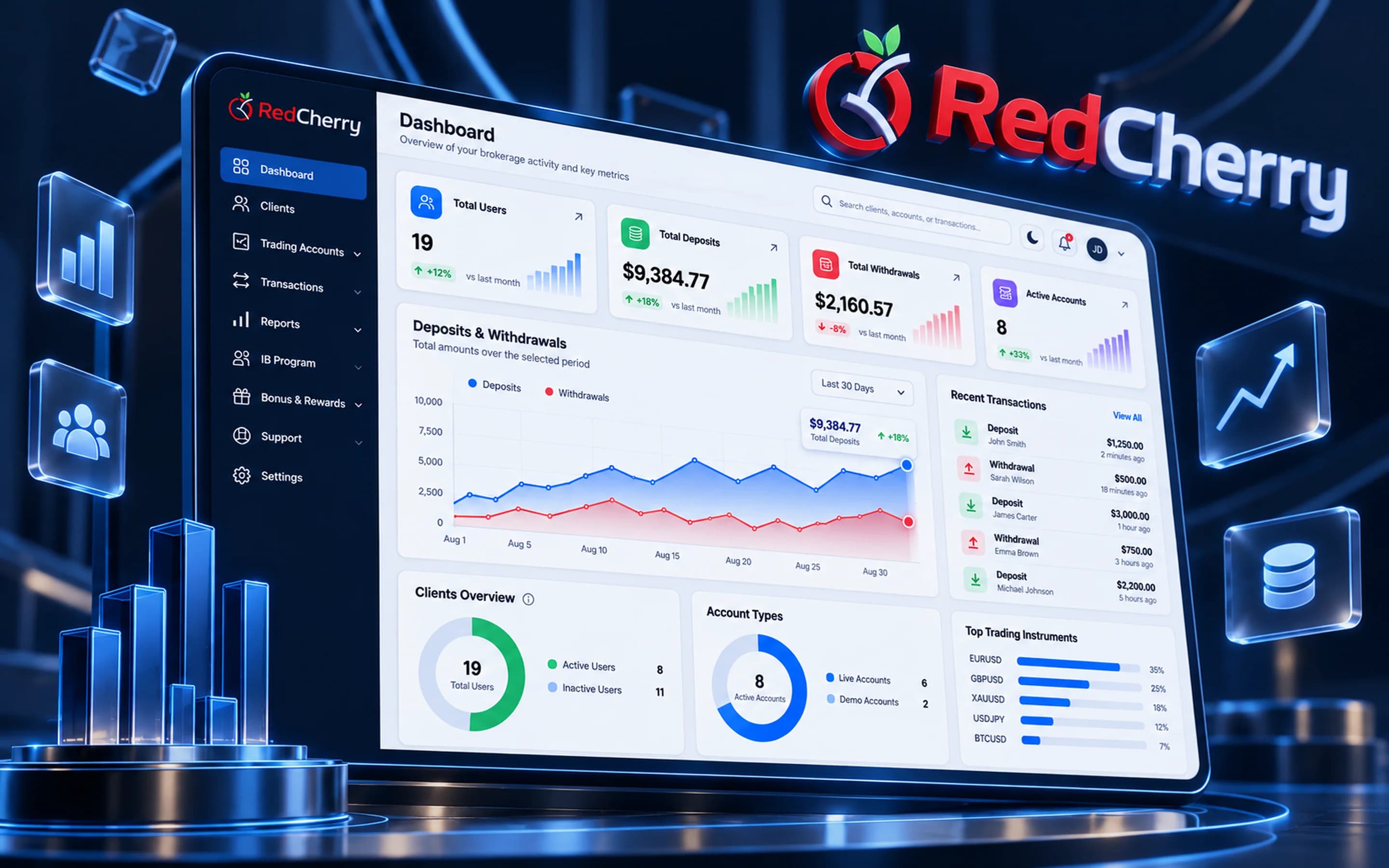
A broker CRM is the system a brokerage uses to manage leads, clients, KYC, deposits and withdrawals, trading accounts and partners in one place. RedCherry's CRM connects those records to your trading platforms, payment gateways and KYC providers so the data stays in sync.
You define the criteria, for example country, source, deposit intent or engagement, and each lead is ranked against them automatically. The desk works the highest scores first and segments update as scores change.
Yes. Leads can be assigned by region, source or score to the desk or agent responsible, with response targets so follow-ups do not slip.
Yes. Each region can have its own sign-up form, documents, compliance requirements and payment options, with localized content.
Yes. Existing lists can be imported with their source and status, and our team helps map fields during setup.
Yes. The back office, client portal, partner area and emails carry your brand, colors and domain.
Sign-up, SMS verification and KYC with Sumsub, Shufti Pro & Didit
Explore Onboarding & KYCEmail campaigns, templates and segmentation
Explore MarketingReal-time dashboard and business analytics
Explore Reporting & AnalyticsHow brokers use automated KYC and onboarding workflows to get clients trading sooner.
Read the guideTwelve questions to put to any brokerage CRM vendor before you sign, and what a good answer looks like.
Read the guideThe systems a new brokerage needs working before its first client arrives, and the order to put them in place.
Read the guideBring a sample of your funnel and we will show you how it looks scored and segmented.
Book a demo