
Deposits and withdrawals
Statistics across currencies and payment methods.
RedCherry
Broker & Prop Firm CRM
Reporting & Analytics
Deposits and withdrawals, trading activity, KYC status and IB performance, updated in real time for your management team.
A centralized dashboard tracks the numbers that run your brokerage, from deposits to IB performance.
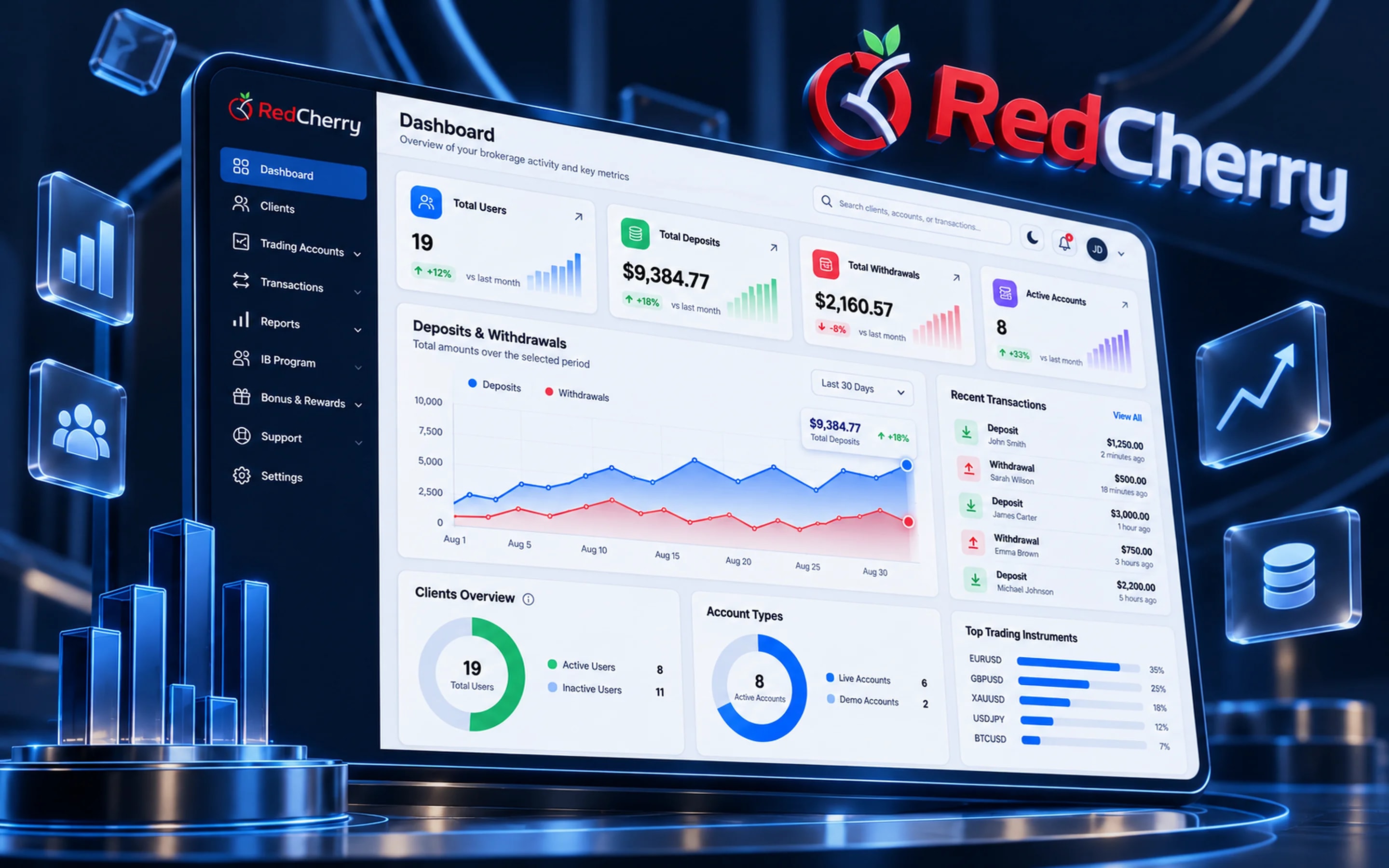
Statistics across currencies and payment methods.
Account activity synced from MetaTrader in real time.
Verification status and compliance monitoring.
Network performance, clients and commission by partner.
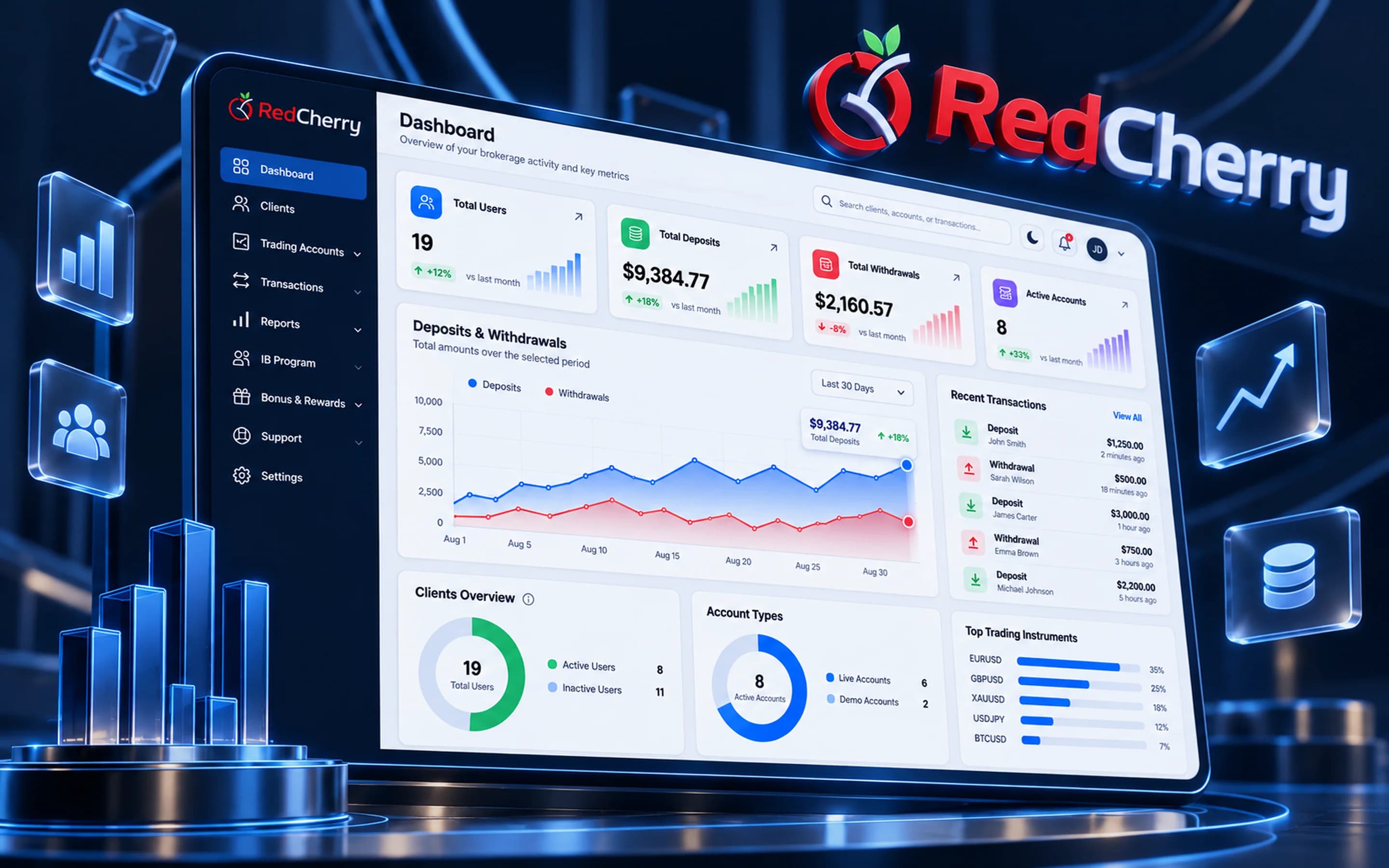
A brokerage's management team usually waits for finance to compile numbers from several systems. In RedCherry, deposits and withdrawals, trading activity, KYC status and IB performance come from the same database the operations team works in, so the dashboard is live and every report drills down to the client or transaction behind a figure.
The dashboard your team opens first shows user counts, deposit and withdrawal statistics by currency and method, transactions over time, pending approvals and open tickets. Business reports cover net deposits by period, conversion from lead to funded client, trading activity by group and commission by IB. Reports are exportable for finance and auditors.
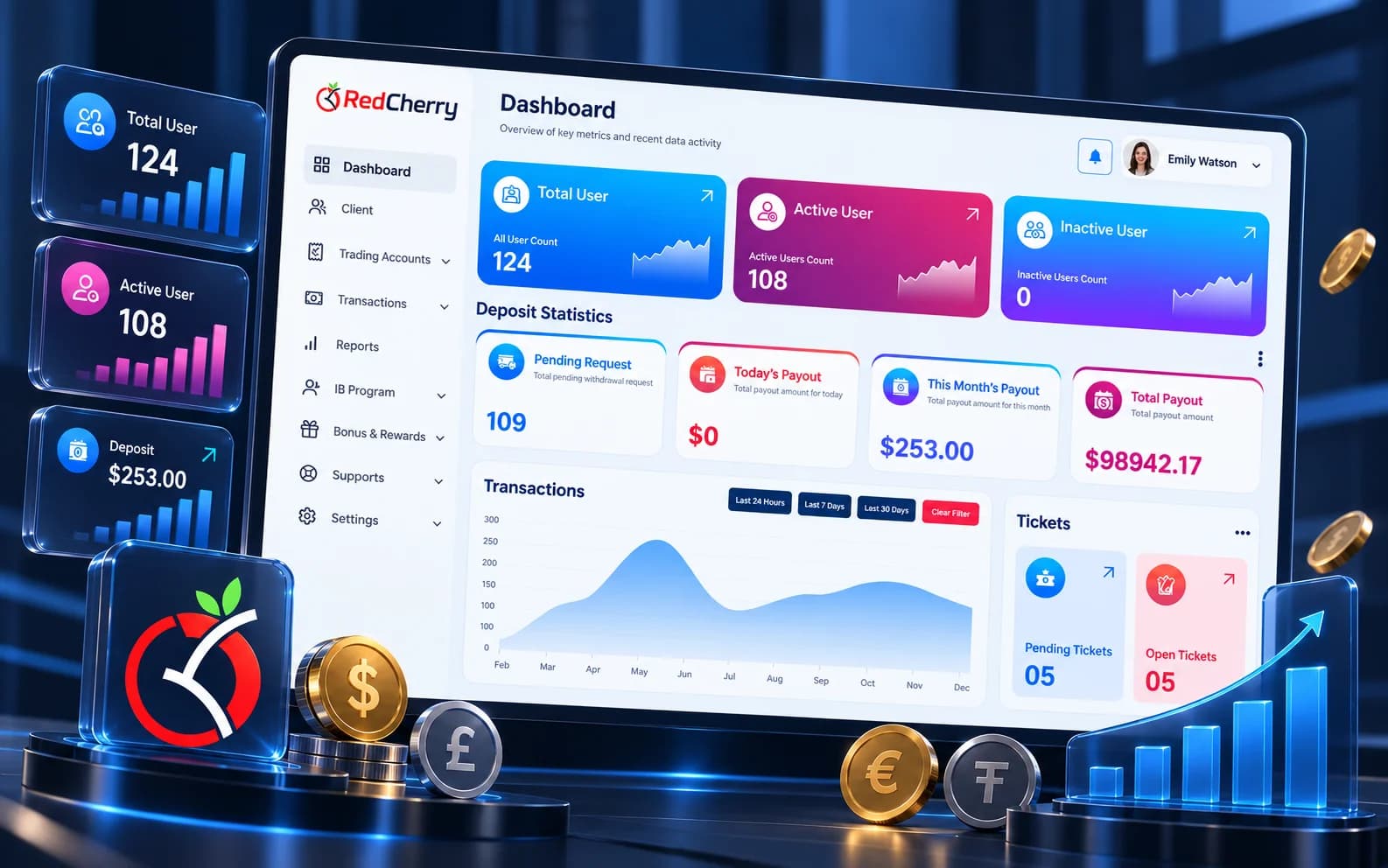
Each team opens the dashboard for a different reason, and the roles you set decide what each one sees:
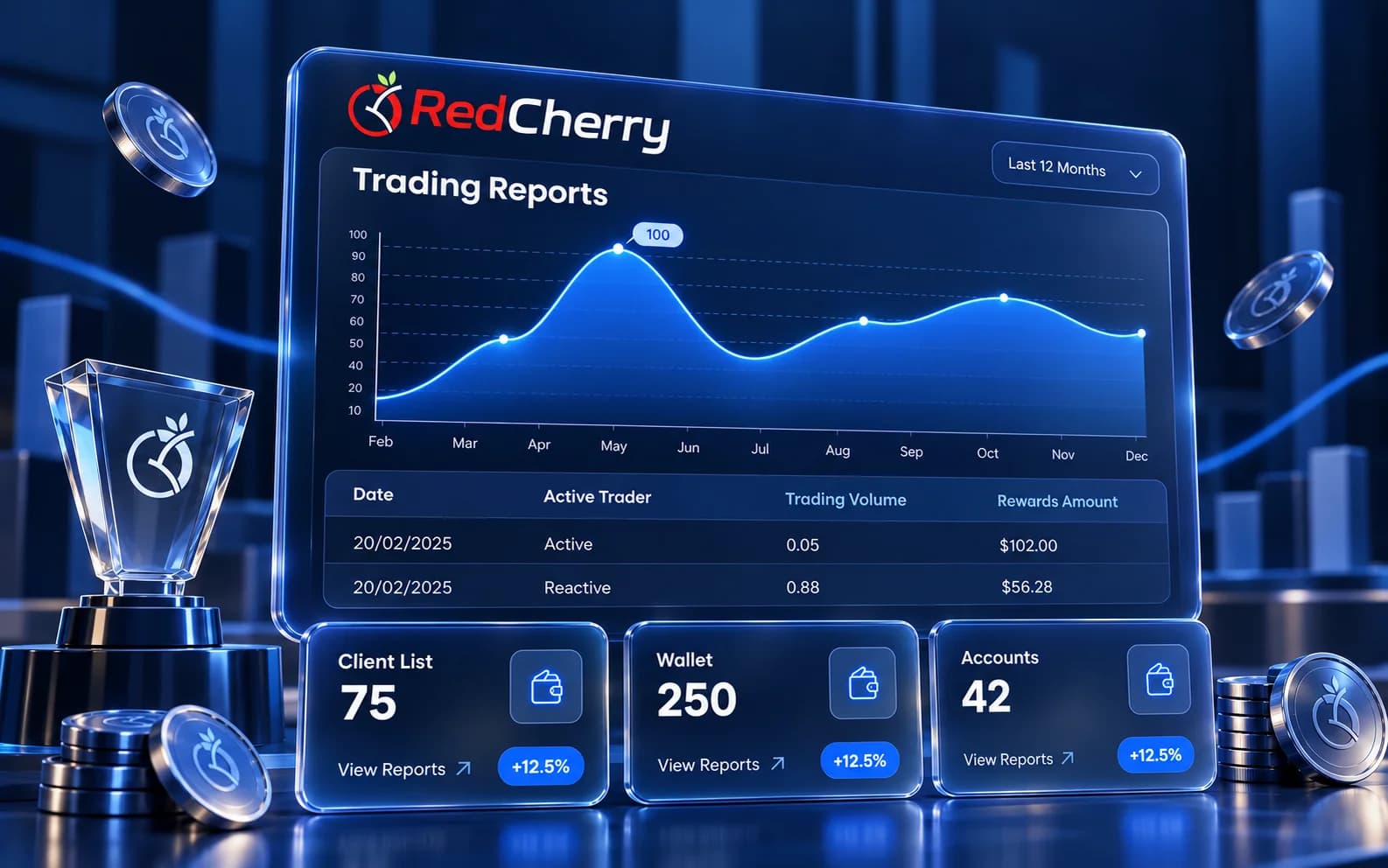
Every number on the dashboard opens the list behind it. Net deposits for the week open the deposits and withdrawals that make it up, each with its gateway, fee and net amount; a conversion rate opens the clients who stalled at each onboarding step; an IB's commission opens the trades and clients that produced it. Nobody has to ask finance where a figure came from.
Finance exports the same lists for reconciliation and auditors, and daily statements are generated automatically. A brokerage with several brands or entities reads every report per brand, region or entity, or across all of them, with roles deciding which staff can open which figures.
Yes. It reads from the same database the back office uses, so a deposit or an approval shows immediately.
Yes. Reports export for finance, management and auditors, and daily statements can be generated automatically.
Yes. Commission, volume and clients per IB and per level are reported alongside the rest of the business.
Yes. Roles and permissions decide which reports and figures each staff member can open.
Standard reports cover deposits, clients, trading, partners and bonuses; custom reports on any CRM data can be scoped with our team.
Yes. Reports can be viewed per brand, region or entity within the same brokerage.
Multi-currency wallets and 12 payment gateways
Explore Wallets & PaymentsMulti-level IB network and commission automation
Explore IB & Affiliate ManagementClient & lead management, scoring and segmentation
Explore CRM & Lead ManagementCommission rules, campaign tracking and reporting that keep partners growing with you.
Read the guideBalancing a smooth sign-up with the checks your regulator expects.
Read the guideWhat to look for when adding PSPs for clients in a new region.
Read the guideBook a demo and we will walk through the reports your management team checks every day.
Book a demo