Integrations included
Trading platforms, 12 payment gateways and KYC providers, connected out of the box.
RedCherry
Broker & Prop Firm CRM
Clients, KYC, payments, trading accounts and IBs in one system, so your team stops switching between tools.
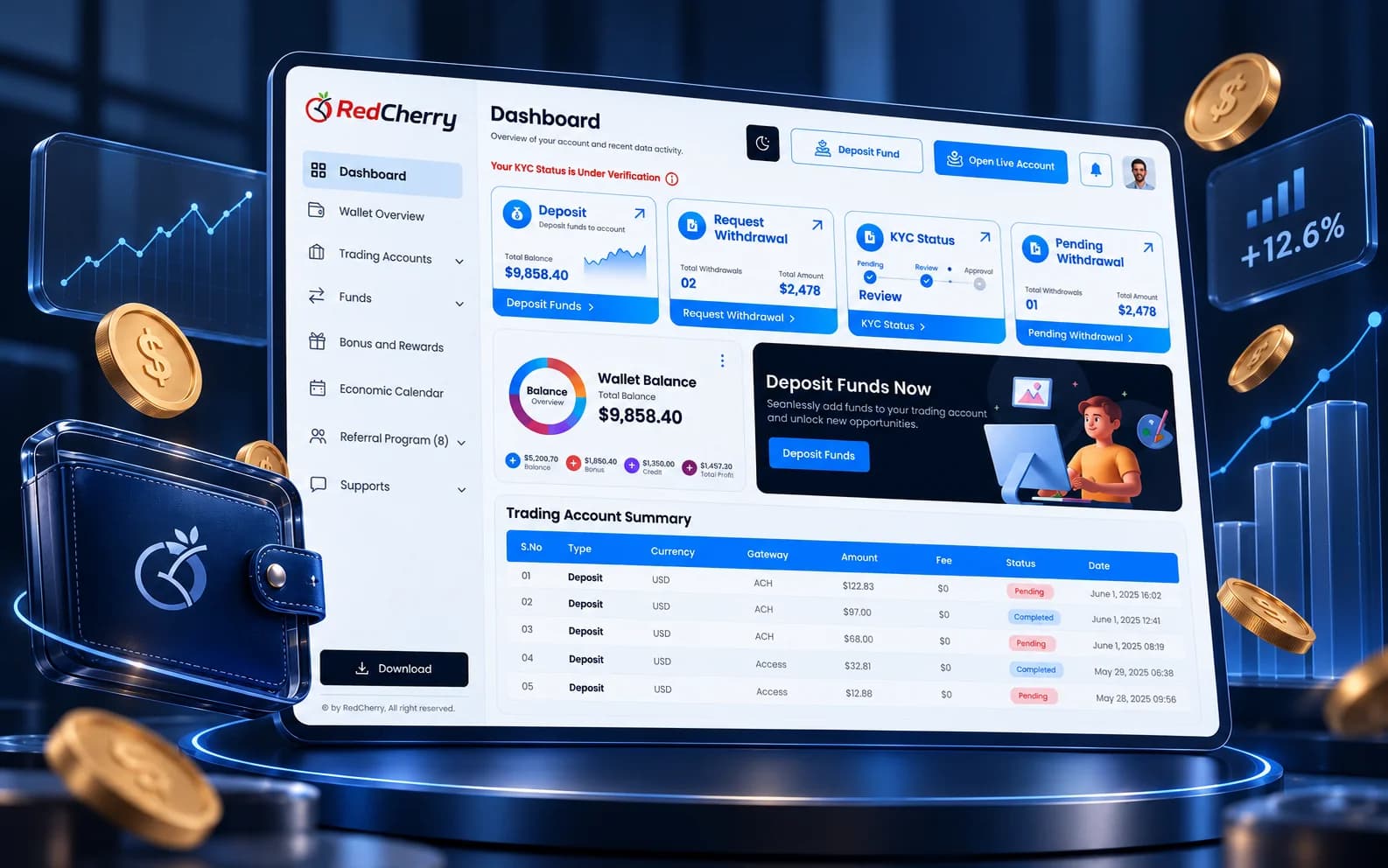
Customizable CRM
Map the CRM to your own processes: organize leads, cut repetitive tasks and keep every client conversation in one place.
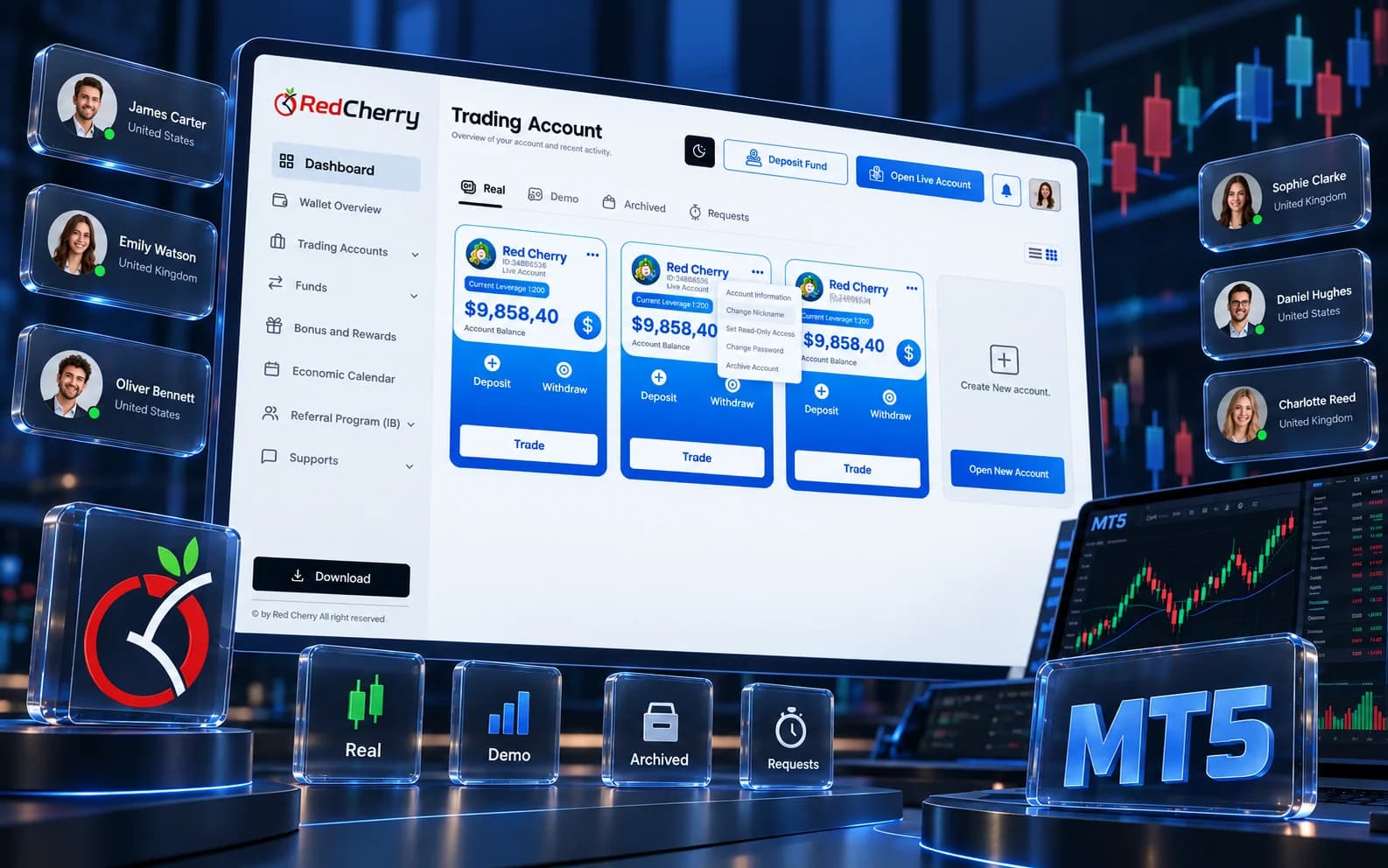
White-label trader’s area
Give traders a portal in your own colors and domain, with accounts, funding and documents a click away.

BI & Analytics
Live dashboards and reports on deposits, trading activity and partner performance help you act on numbers, not guesses.
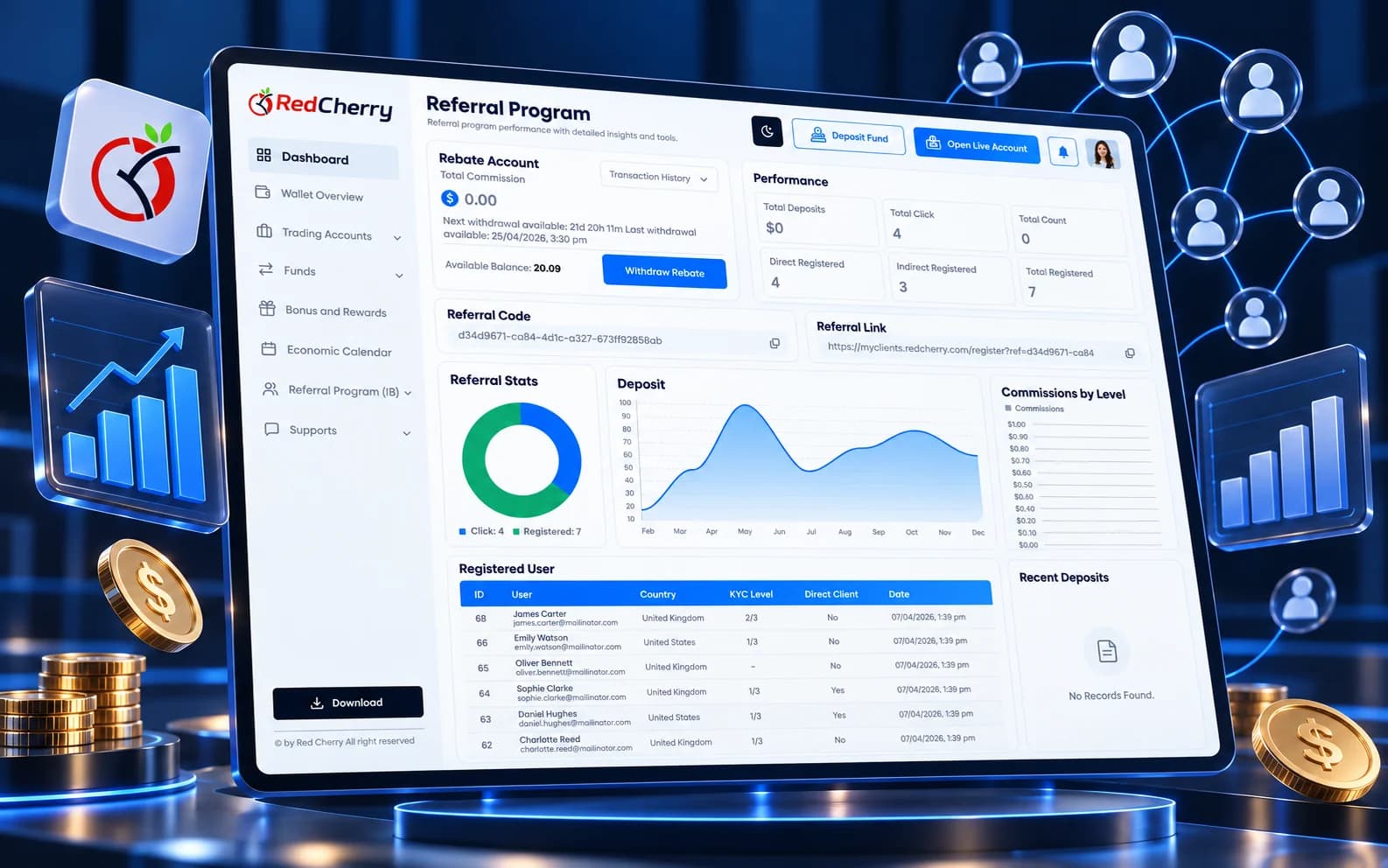
A broker CRM is not a sales tool with a trading logo on it. It has to onboard a client under a licence, verify who they are, take their money through regulated payment providers, open an account on a trading server, pay the partner who introduced them and report all of it to management and auditors. RedCherry was built for that sequence, by a team that has spent more than fifteen years building CRM systems for brokers.
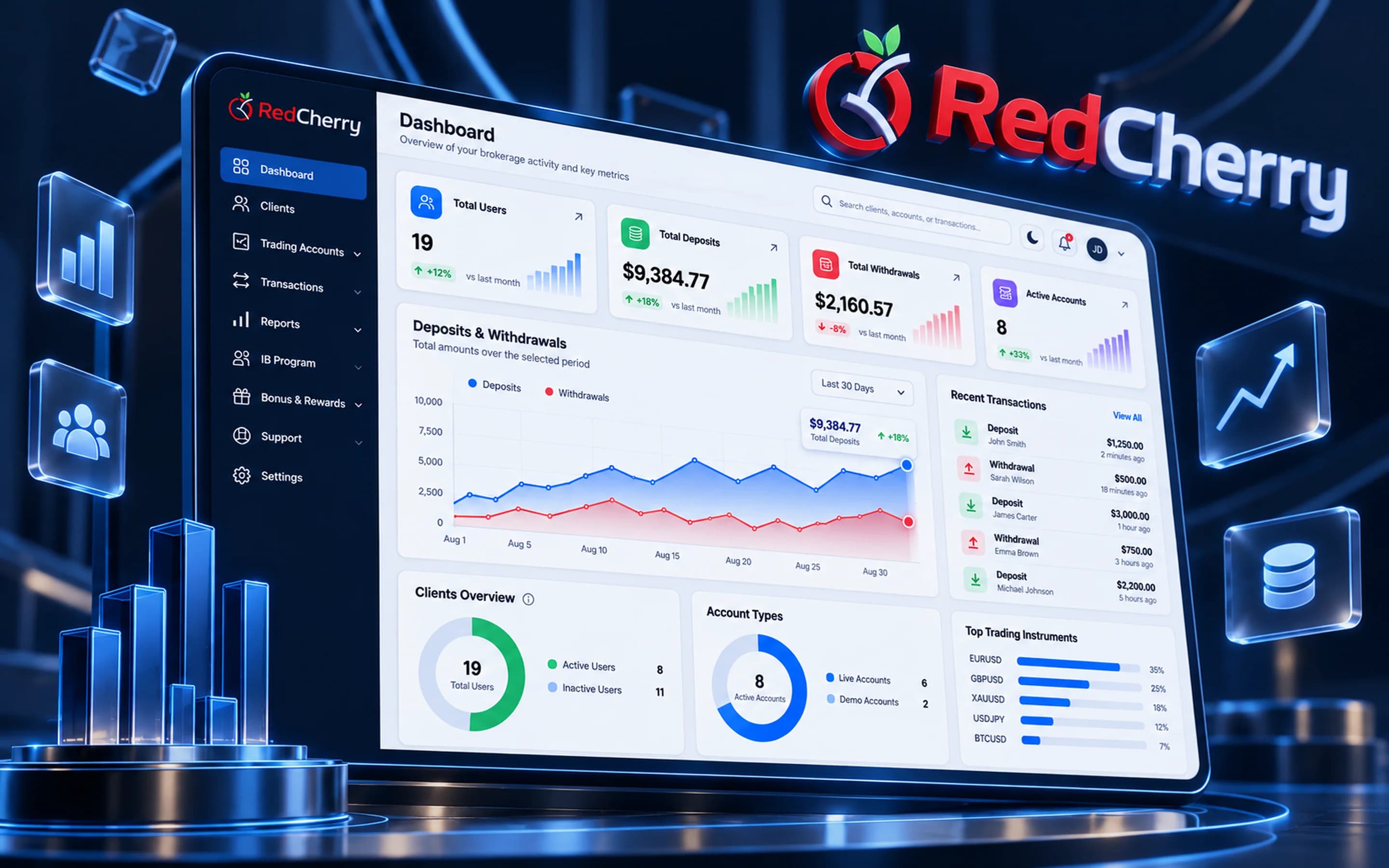
The platform has three faces. The back office is where your staff work: clients, KYC, wallets, trading accounts, IBs, bonuses, campaigns, tickets and reports. The client portal is where traders sign up, verify, fund and trade, in your brand. The partner area is where IBs follow their network and earnings. All three run on one database, so there is nothing to sync between them.
Most of the risk in launching or migrating a brokerage sits in integrations. RedCherry ships with them connected:
Anything beyond that, a regional PSP, another KYC vendor, an accounting system, is scoped as a custom integration, and API access with webhooks is available on the Enterprise plan. Every connection is listed under Integrations & API.

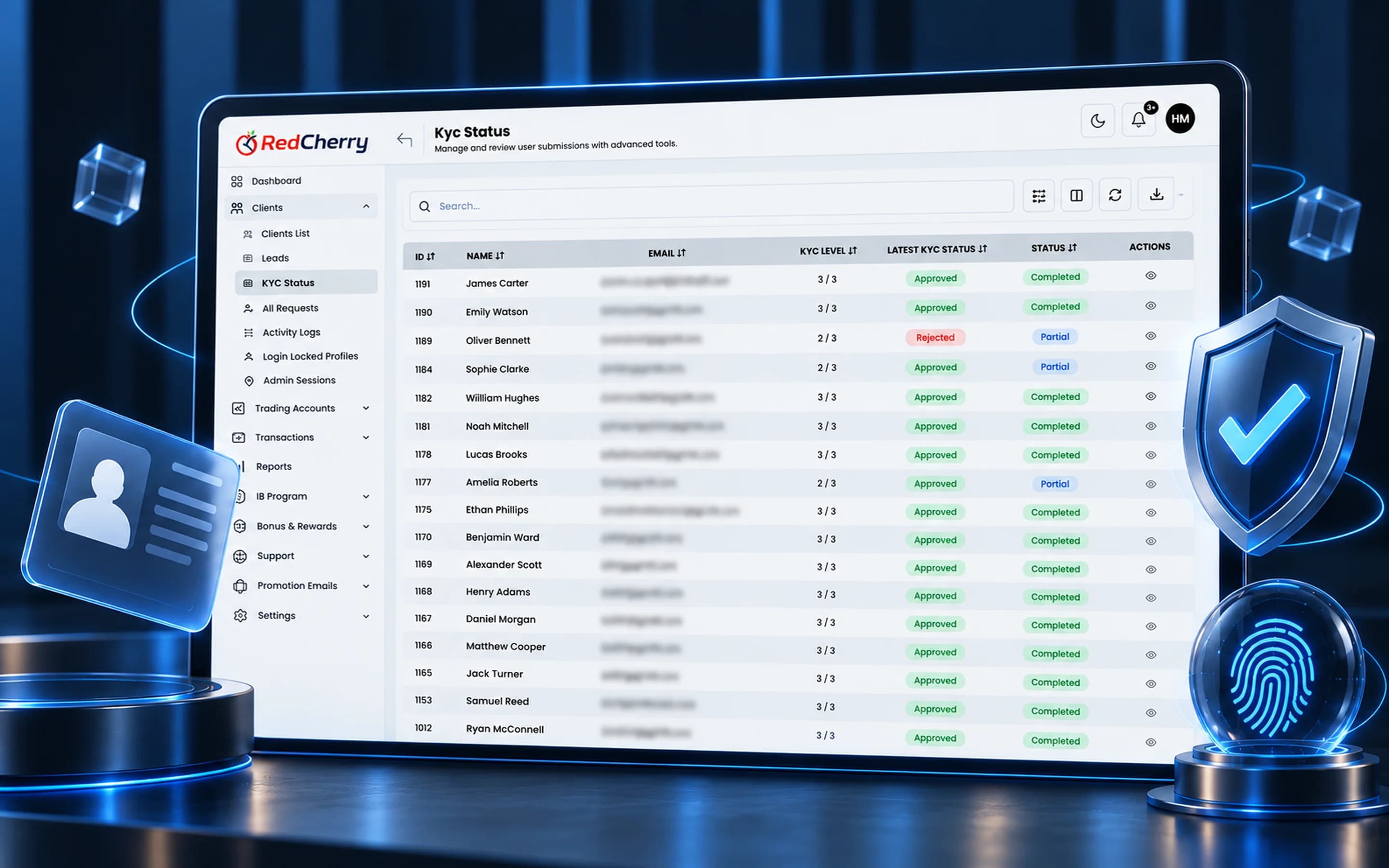
Verification levels tie permissions to KYC progress, so a client can explore before they can withdraw. Risk scores and AML screening land on the profile automatically. Staff access is controlled by roles, confirmed with two-factor sign-in and limited to approved IP addresses, and every change is written to an audit log. The security page describes each layer.
Because the CRM is white-label and configurable, statuses, approval steps and onboarding flows follow your licence and your process. Add desks, regions, payment providers and partners later without changing systems.
Each of these situations is walked through step by step in use cases.
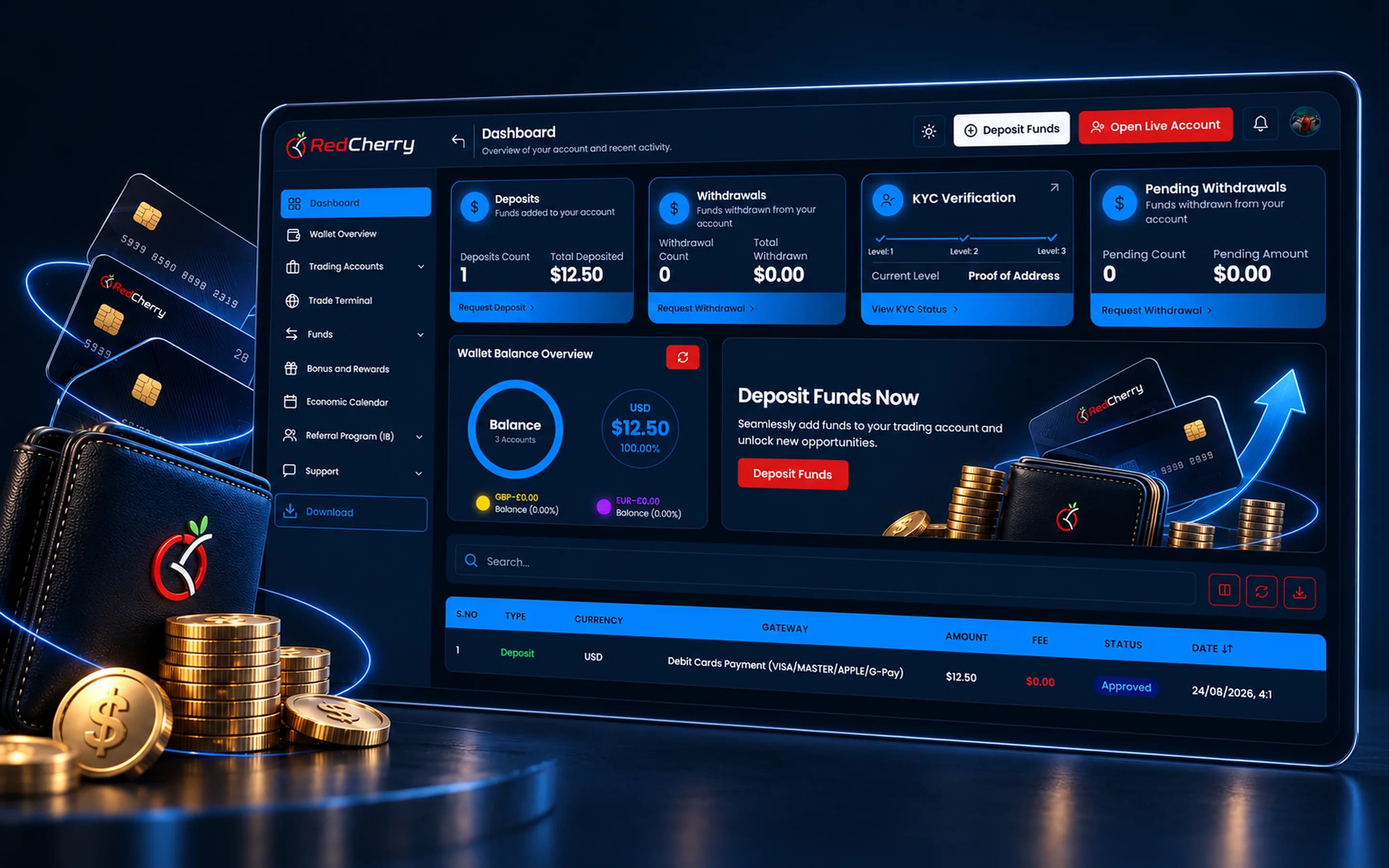
Every launch starts with a scoping call where we map the brokerage's regions, trading servers, payment providers and verification provider to RedCherry's modules. Setup then runs in parallel streams: the white-label client portal and emails in your brand; the connection to your MT4 or MT5 servers; the payment gateways for your first markets; and the KYC provider with the verification levels your licence requires. Existing clients, leads and IB structures are imported during the same period.
Your team is trained on the back office before go-live, with roles and permissions set per department. Once the brokerage is live, technical and emergency support is available 24/7, and the modules you did not need on day one, bonuses, campaigns, the support desk, the prop firm module when it ships, are switched on as you grow. There are no setup fees on any plan, and active clients are unlimited on every tier.
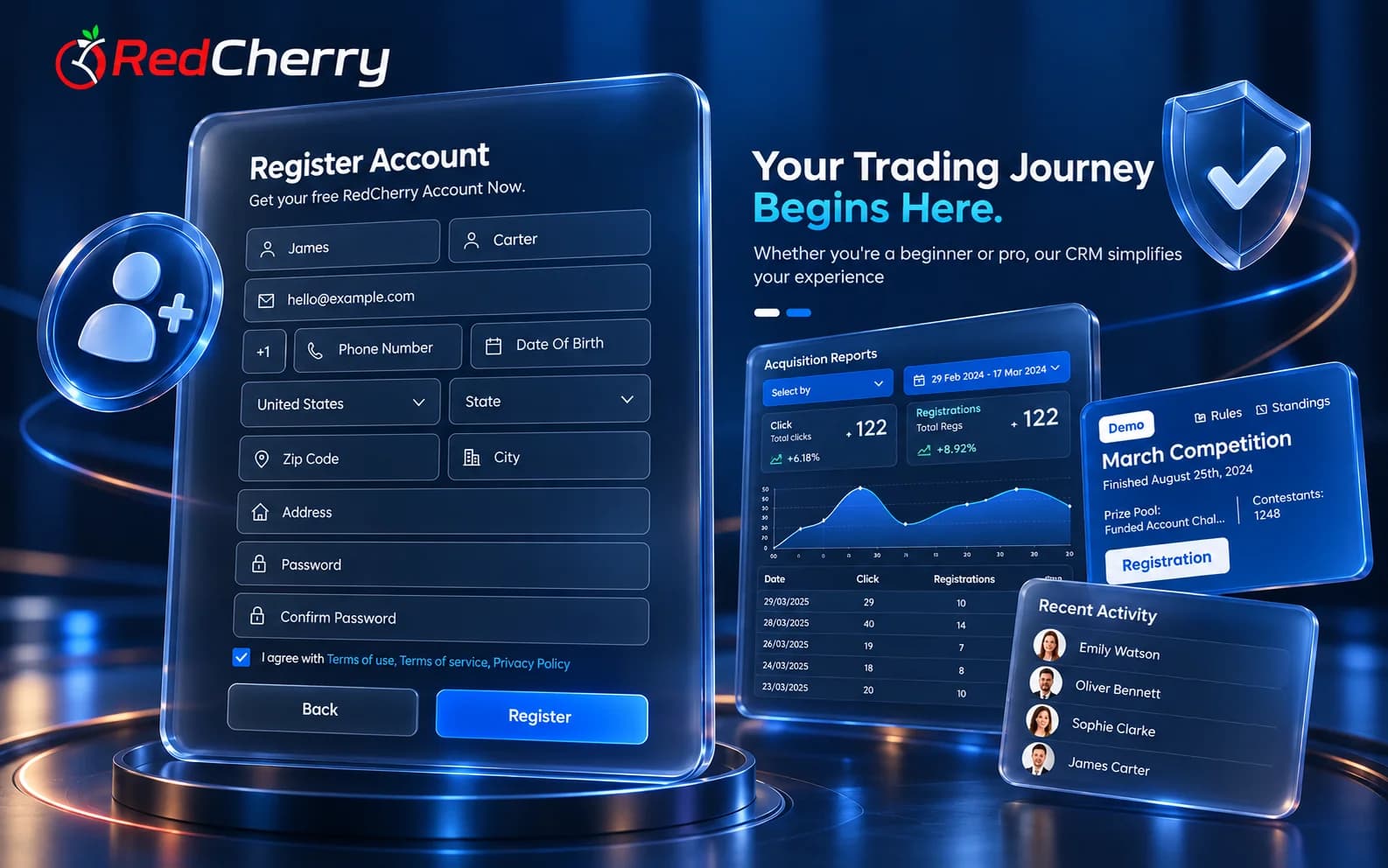
Most brokerages that move to RedCherry already have clients, leads, IB structures and trading accounts in another system, so the move is planned around that data rather than around the software. During setup our team maps your fields to RedCherry's client record, imports clients and leads with their status and history, rebuilds IB hierarchies with their commission rules, and links the existing trading accounts so balances and positions sync from the first day.
Clients keep their trading accounts; what changes for them is the portal, which carries your brand on your domain. Staff are trained on the back office before the switch, with roles set per department. The questions brokerages ask most about the move, support and data security are answered in the Help Center.
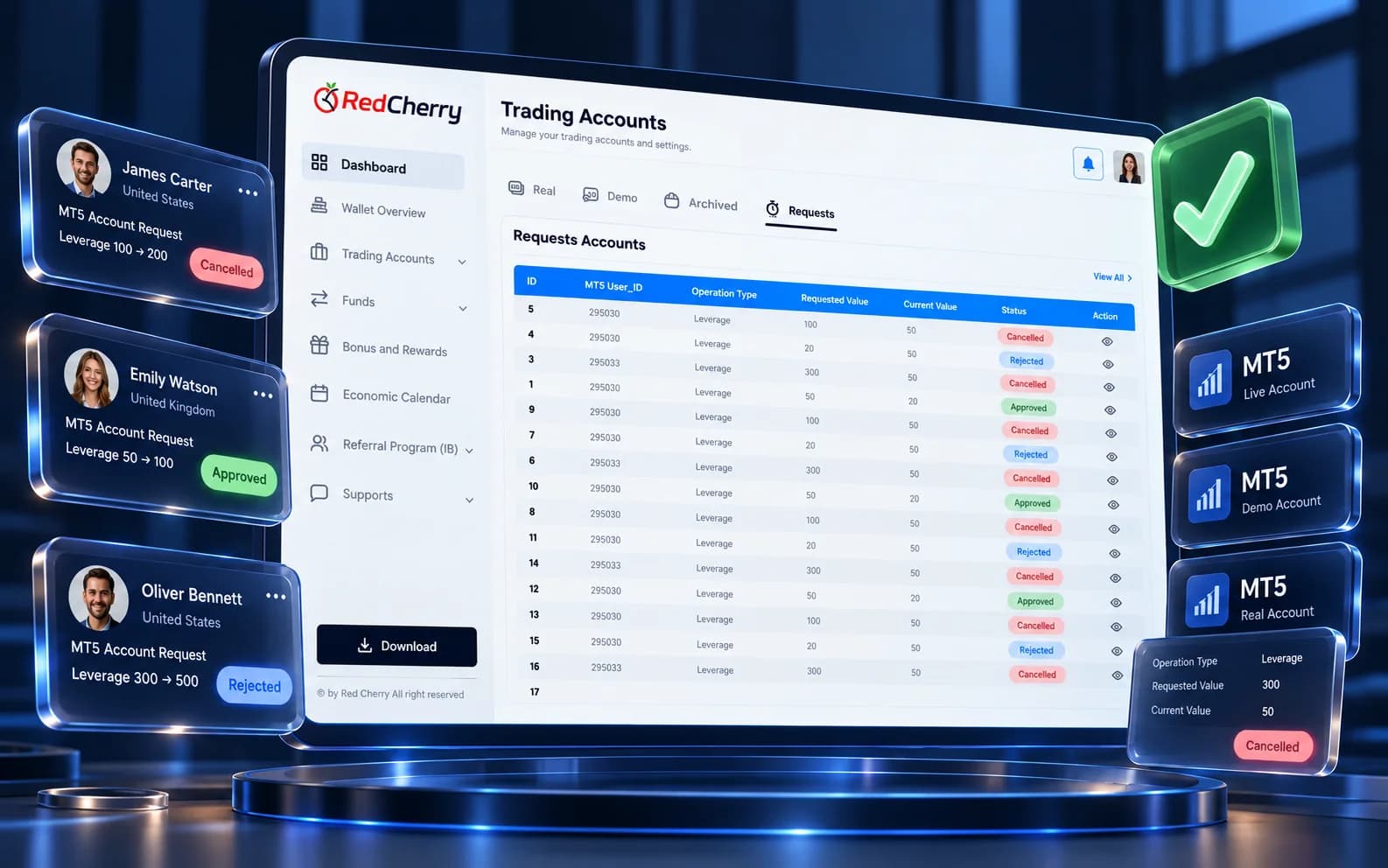
What you need to run a brokerage, in one platform.
Trading platforms, 12 payment gateways and KYC providers, connected out of the box.
Role-based permissions, activity logs and protected client data across the platform.
Connect your own systems; API access and webhooks come with the Enterprise plan.
Workflows, branding and modules set up around how your business runs.
Clear screens your team and your clients can find their way around without training.
One that covers the whole operation: onboarding and KYC, multi-currency wallets and payment gateways, trading platform integration, IB management, bonuses, support and reporting, in a white-label package your team and your clients use. RedCherry covers all of these in one platform.
RedCherry is SaaS, so there is no infrastructure to build. Setup covers your brand, trading servers, payment providers and KYC provider; the timeline depends on how many of those are ready, and our team maps it with you at the first call.
Yes. The client portal, partner area, emails and dashboards carry your brand and domain.
Yes, and with MT4. Accounts are created from the CRM and balances, equity and positions sync in real time. TradeLocker and cTrader are coming soon.
Cards, bank transfers, e-wallets and crypto through 12 integrated gateways, enabled per country.
Published plans with zero setup fees, unlimited active clients on every tier, and add-ons you only pay for when you need them. See the pricing page for the comparison.
Yes. Clients, leads, IB structures and trading accounts are imported during setup, and our team maps the fields with you.
Client & lead management, scoring and segmentation
Explore CRM & Lead ManagementSign-up, SMS verification and KYC with Sumsub, Shufti Pro & Didit
Explore Onboarding & KYCMulti-currency wallets and 12 payment gateways
Explore Wallets & PaymentsMulti-level IB network and commission automation
Explore IB & Affiliate ManagementTwelve questions to put to any brokerage CRM vendor before you sign, and what a good answer looks like.
Read the guideThe systems a new brokerage needs working before its first client arrives, and the order to put them in place.
Read the guideThe client-facing side of a brokerage explained: what clients do there, what it must include and how it connects to the back office.
Read the guideBook a walkthrough and see the CRM, client area and partner tools running on your own use case.
Book a demo