
Self-service
Clients deposit, withdraw and update their details without opening a ticket.
RedCherry
Broker & Prop Firm CRM
A branded portal where your clients sign up, pass KYC, fund their accounts and trade, without needing to call your team.
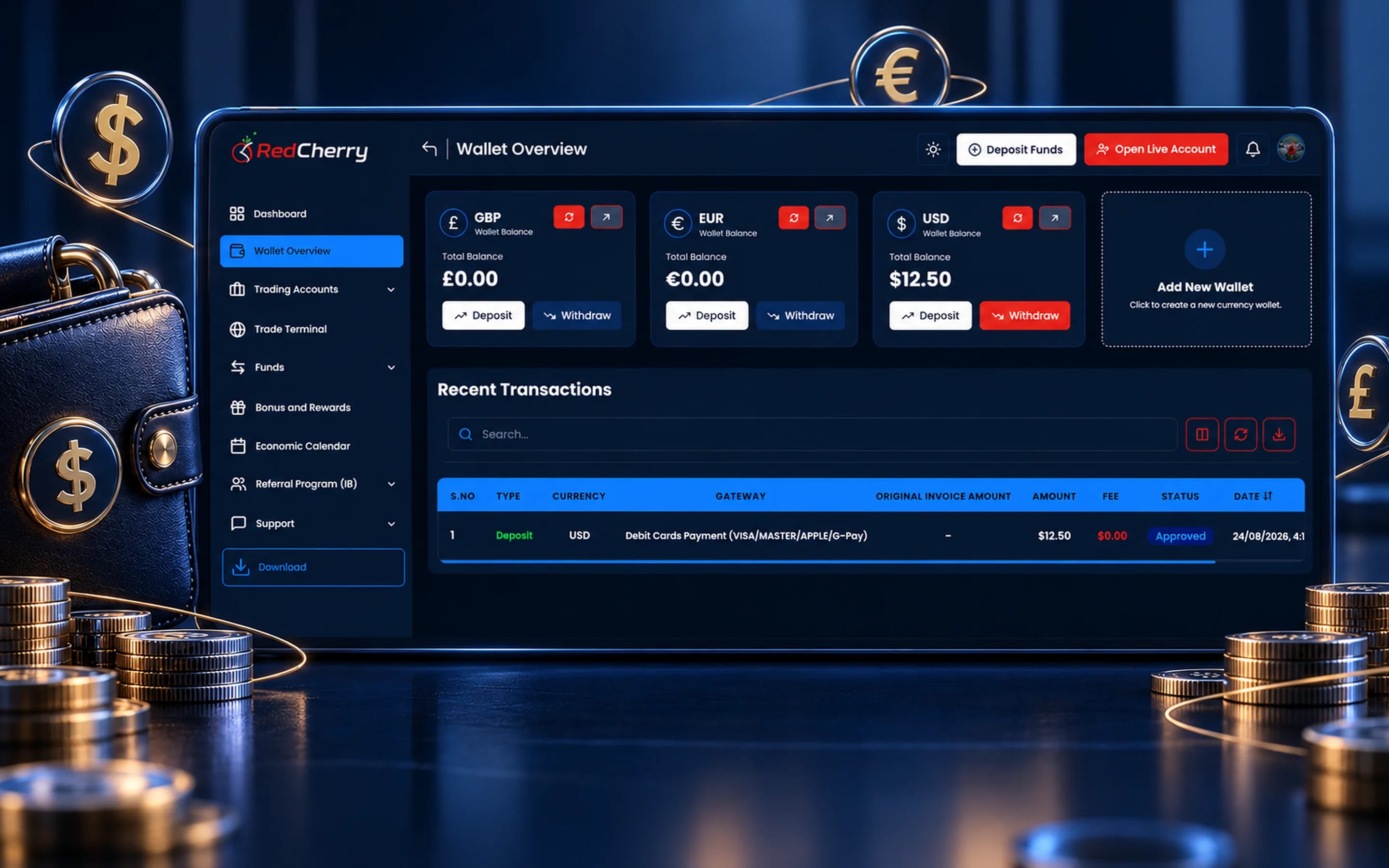
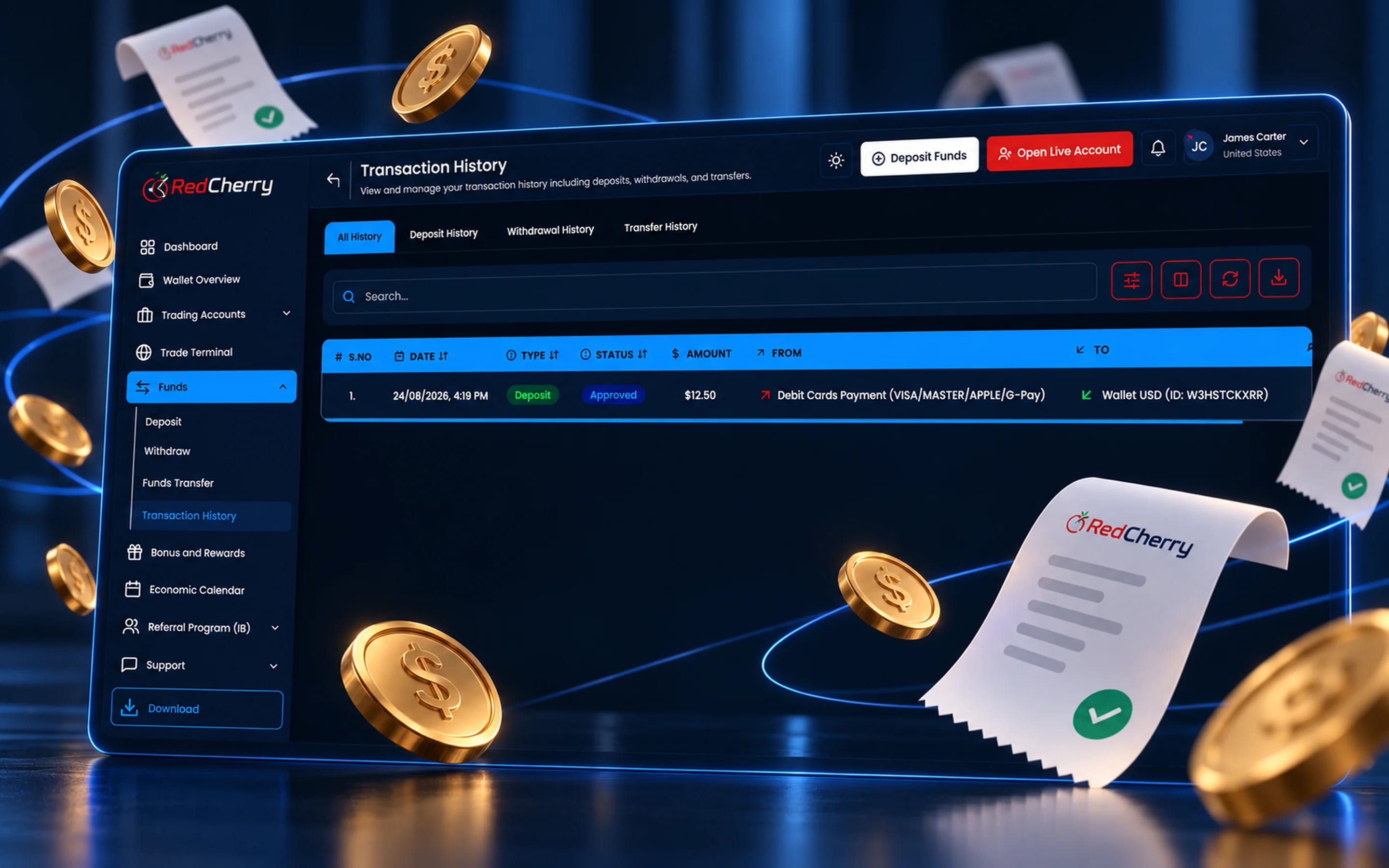
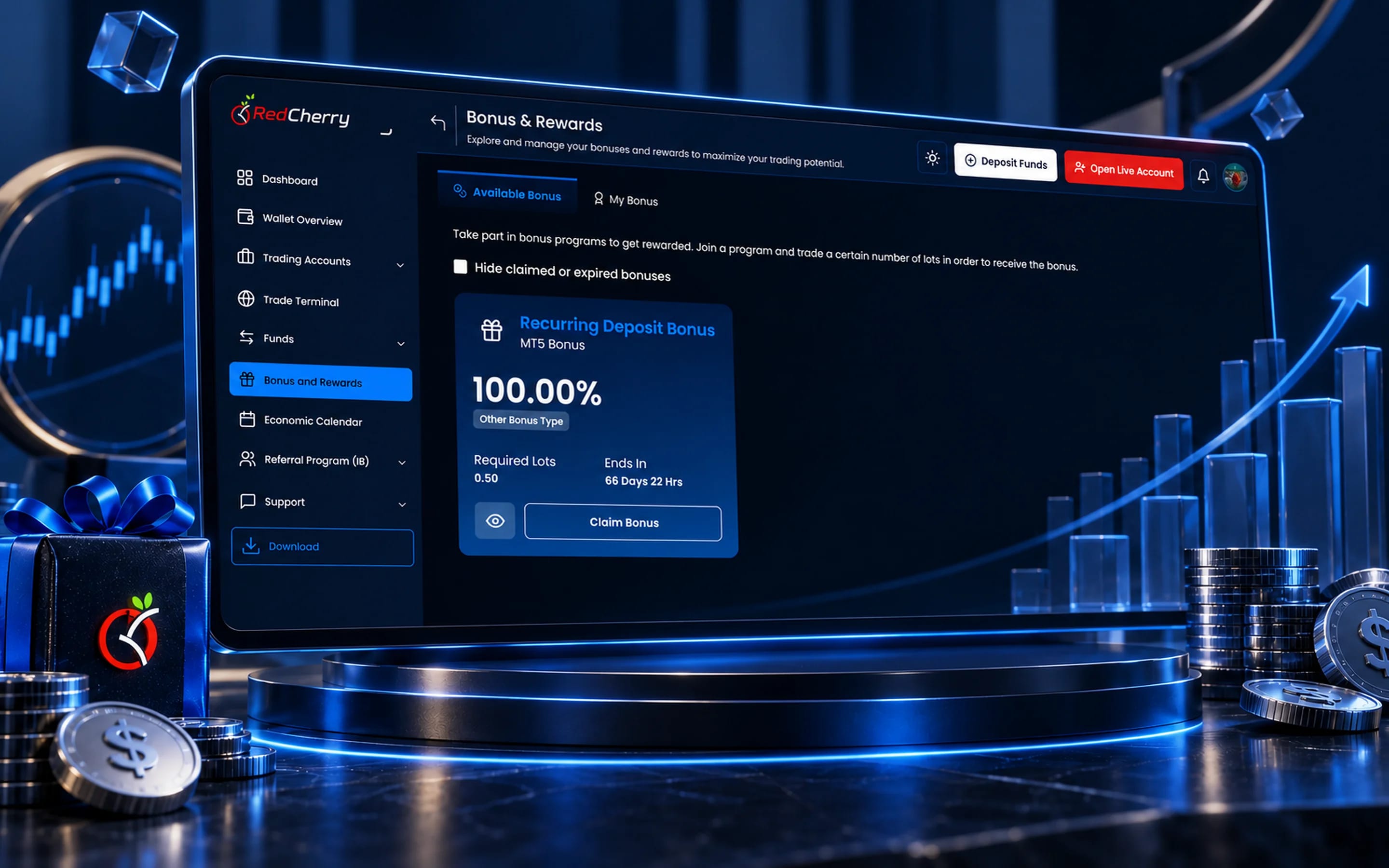
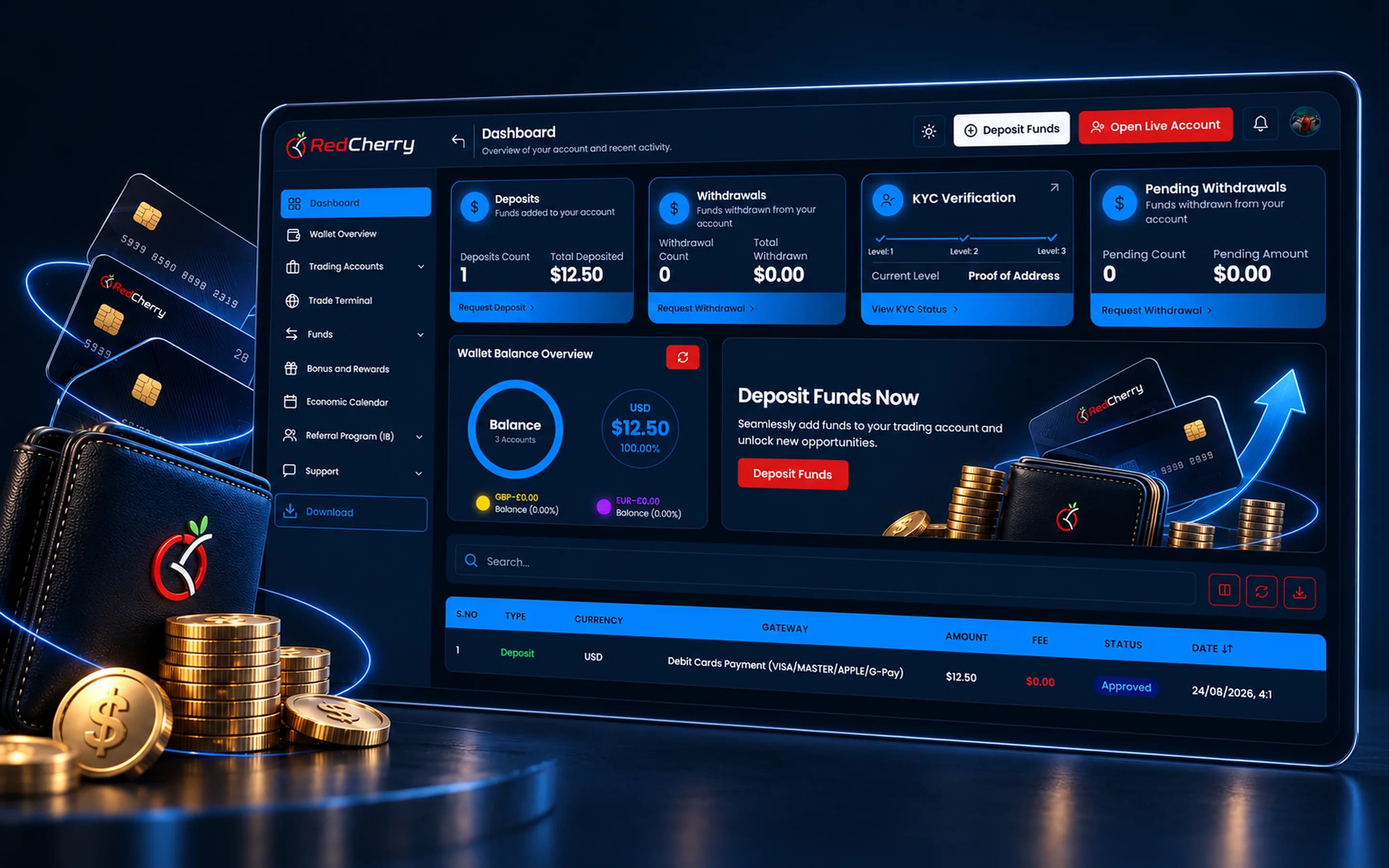
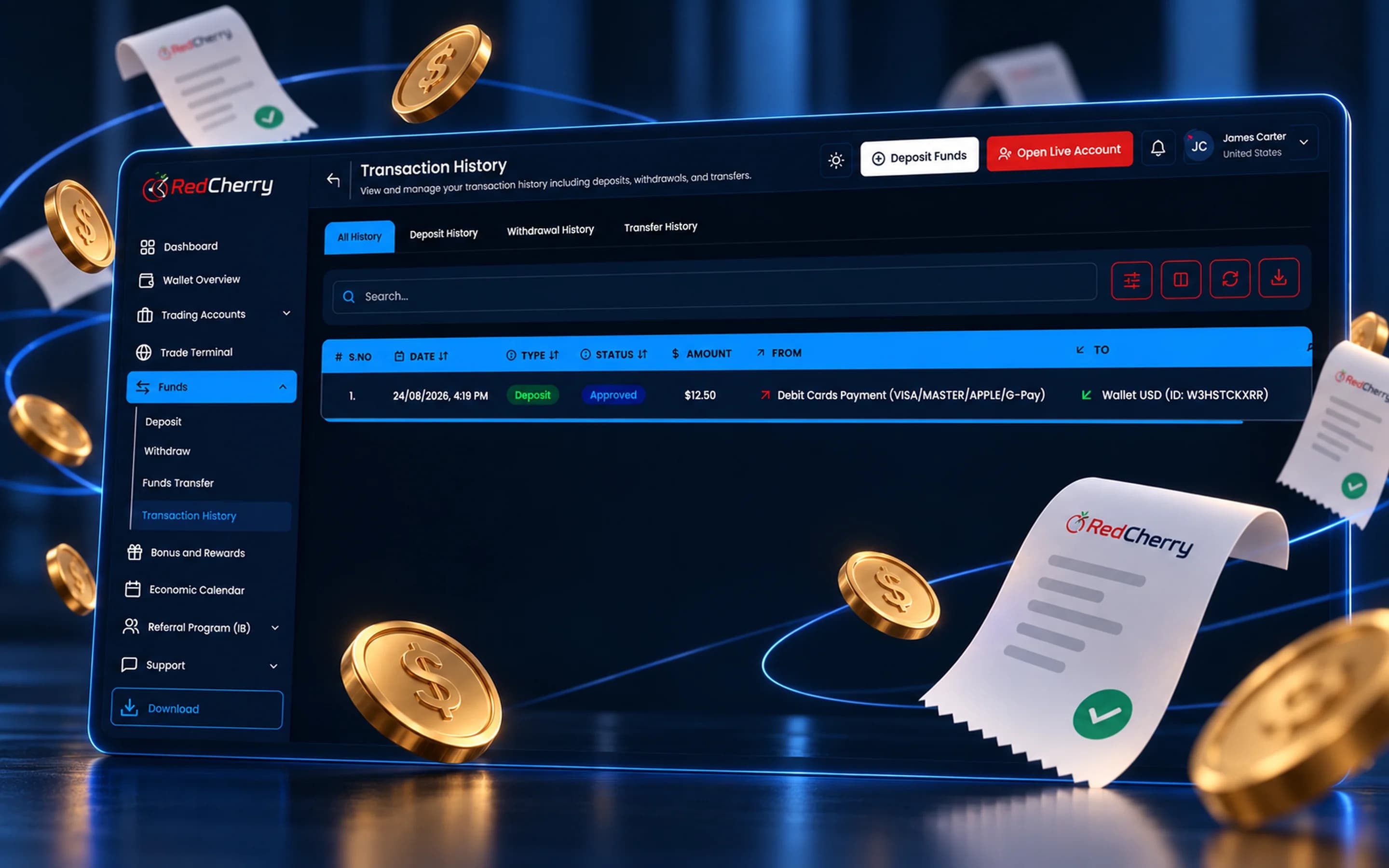
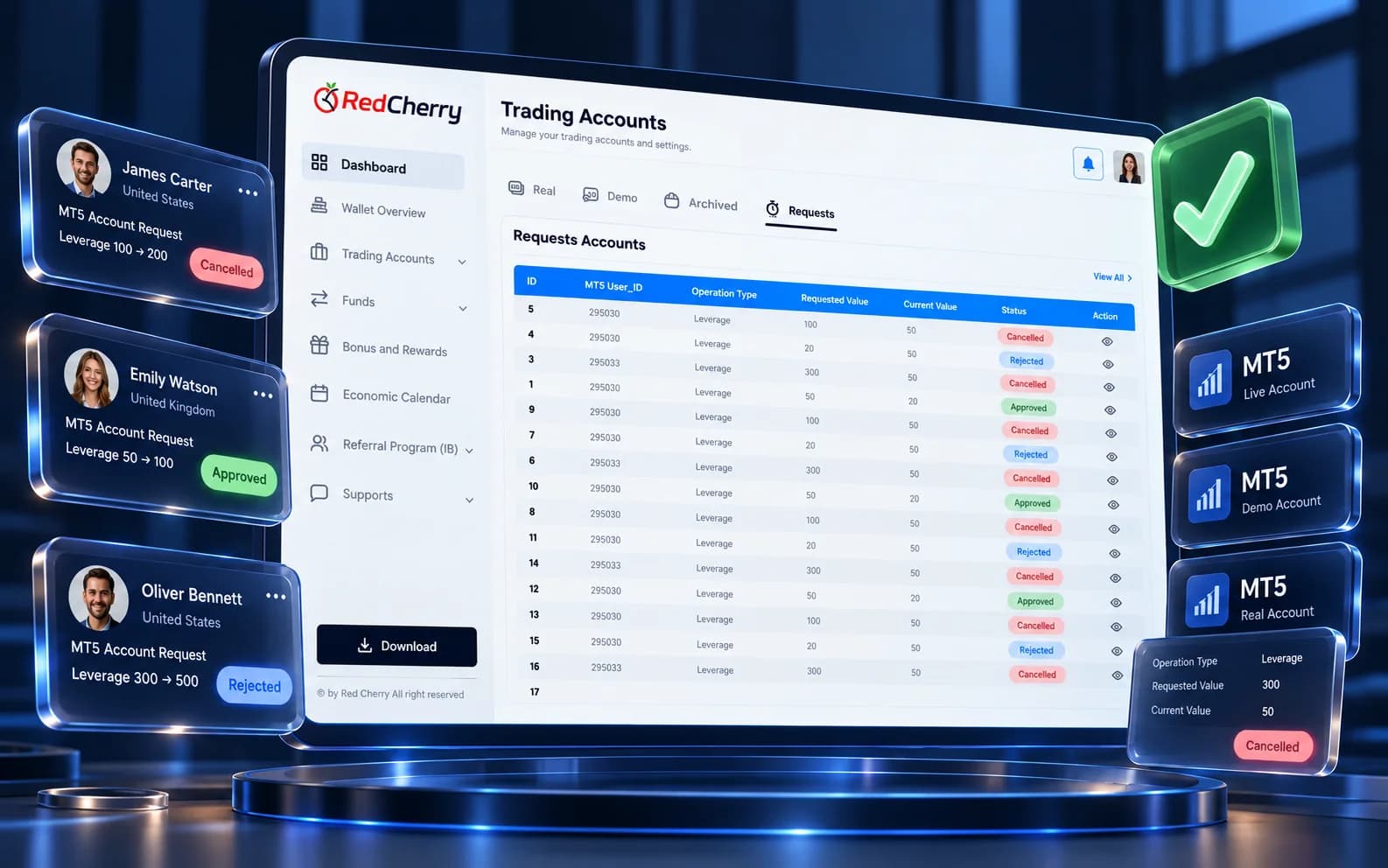
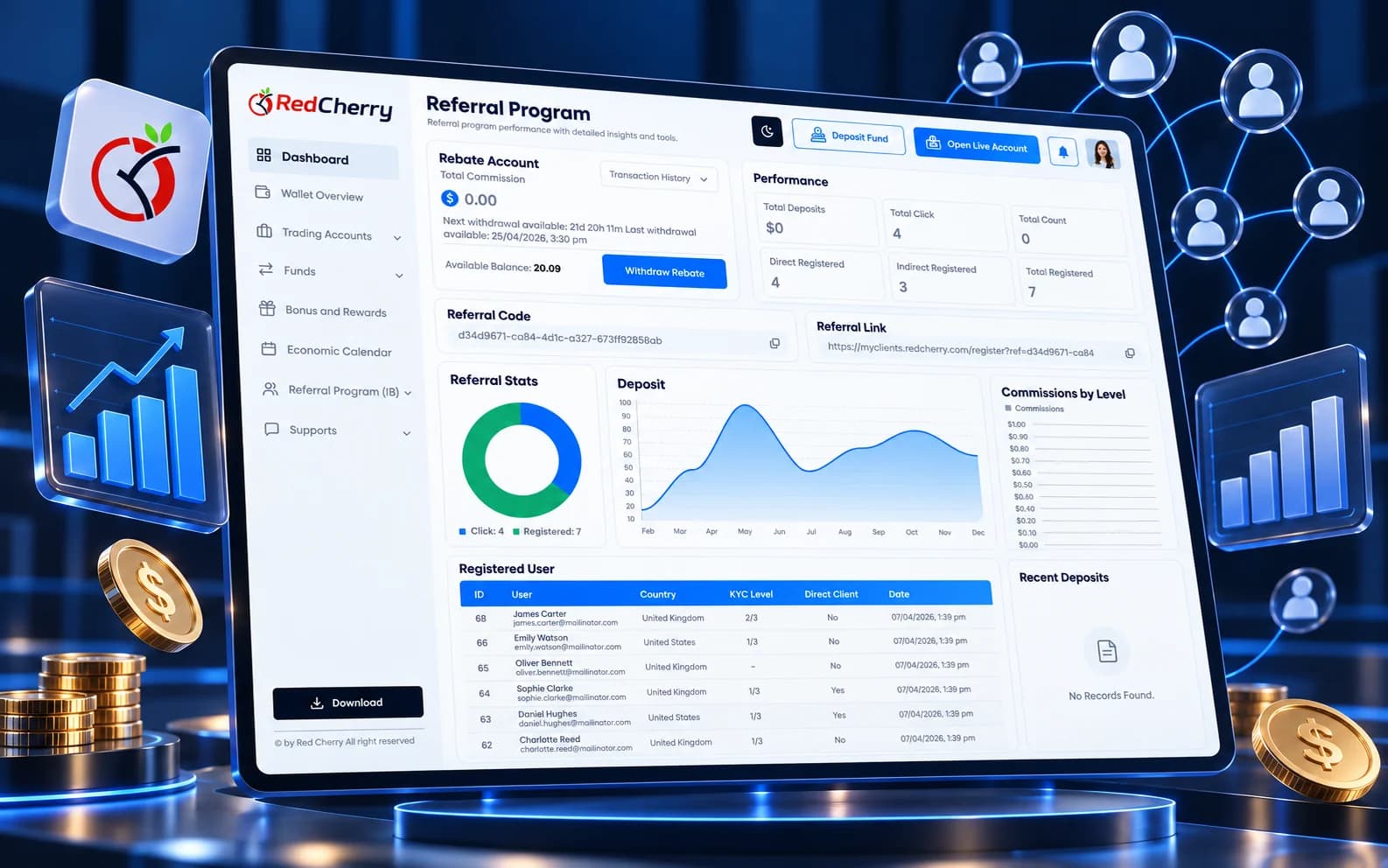
The real portal your traders log in to: dashboard, wallets, transactions and bonuses.
Clients see deposits, withdrawals, KYC level and wallet balances the moment they log in.
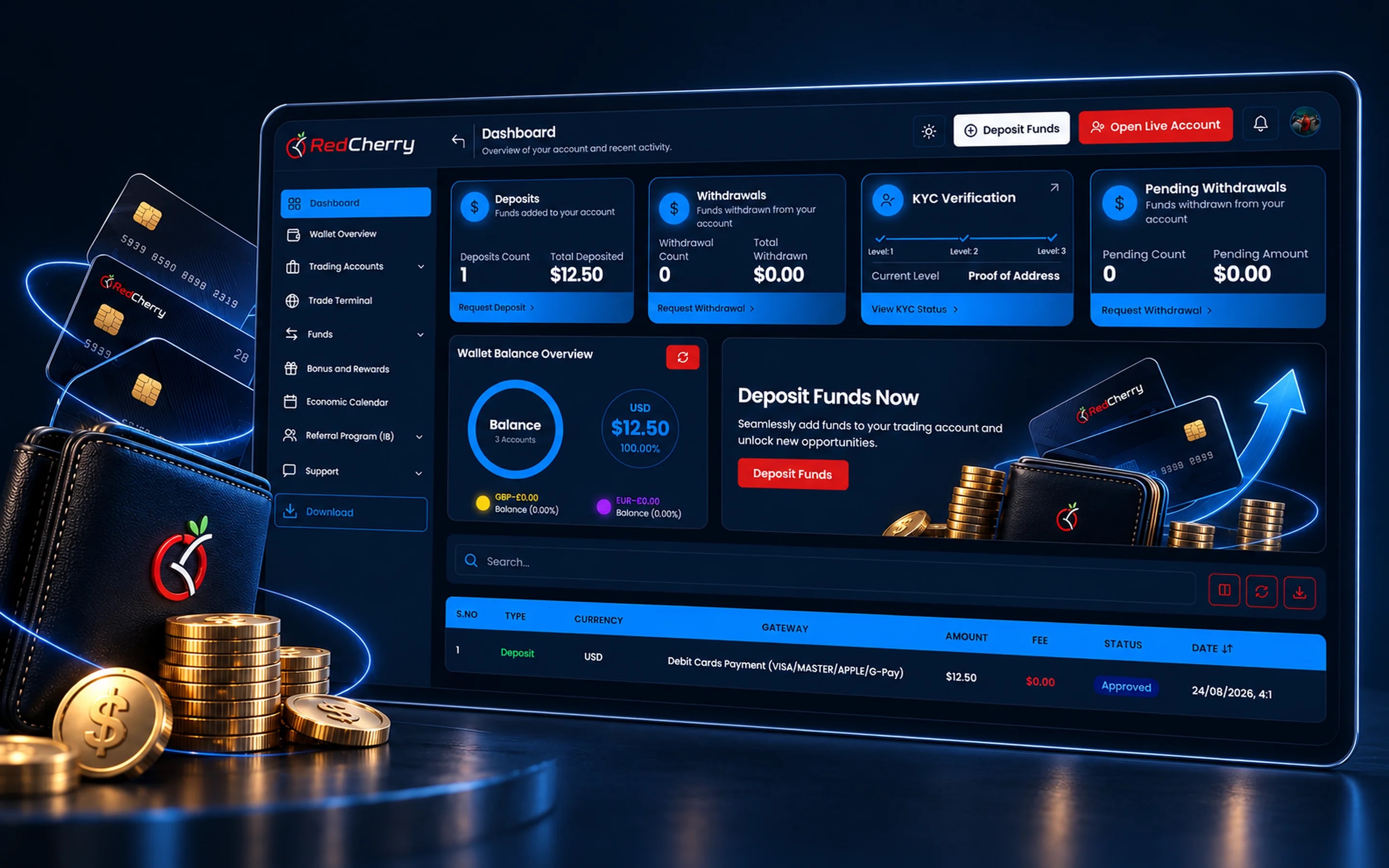
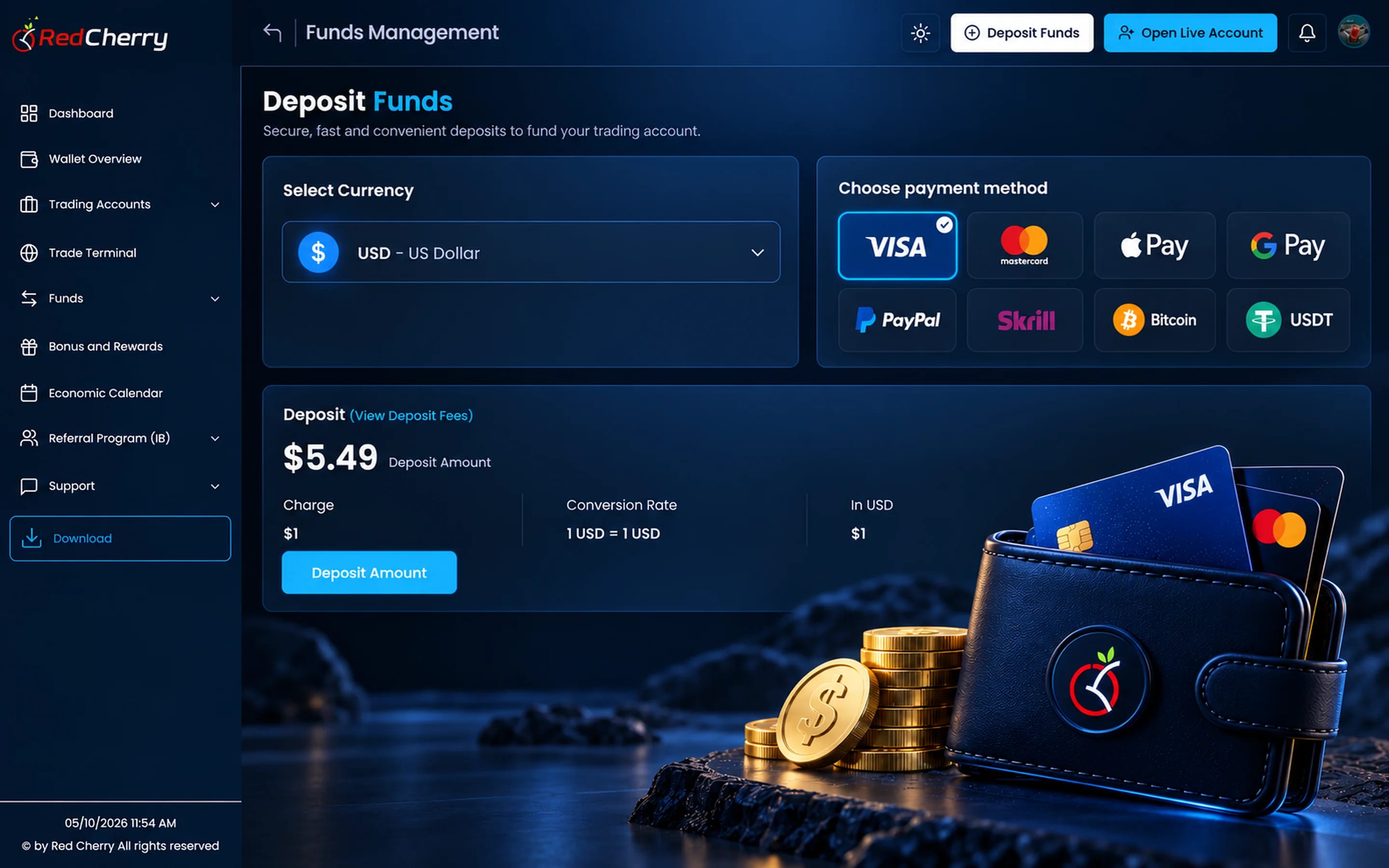
Clients deposit, withdraw and update their details without opening a ticket.
Sign-up, KYC and a live MT5 account in one guided flow.
Your logo, colors and domain on every screen.
Balances, transactions and documents always one click away.
The client area, or trader's room, is the part of RedCherry your clients see. It is where they register, verify their identity, fund a wallet, open and manage trading accounts, claim bonuses, refer friends and raise a ticket, all in your brand and on your domain. Every action a client takes there updates the same record your team works from in the back office.
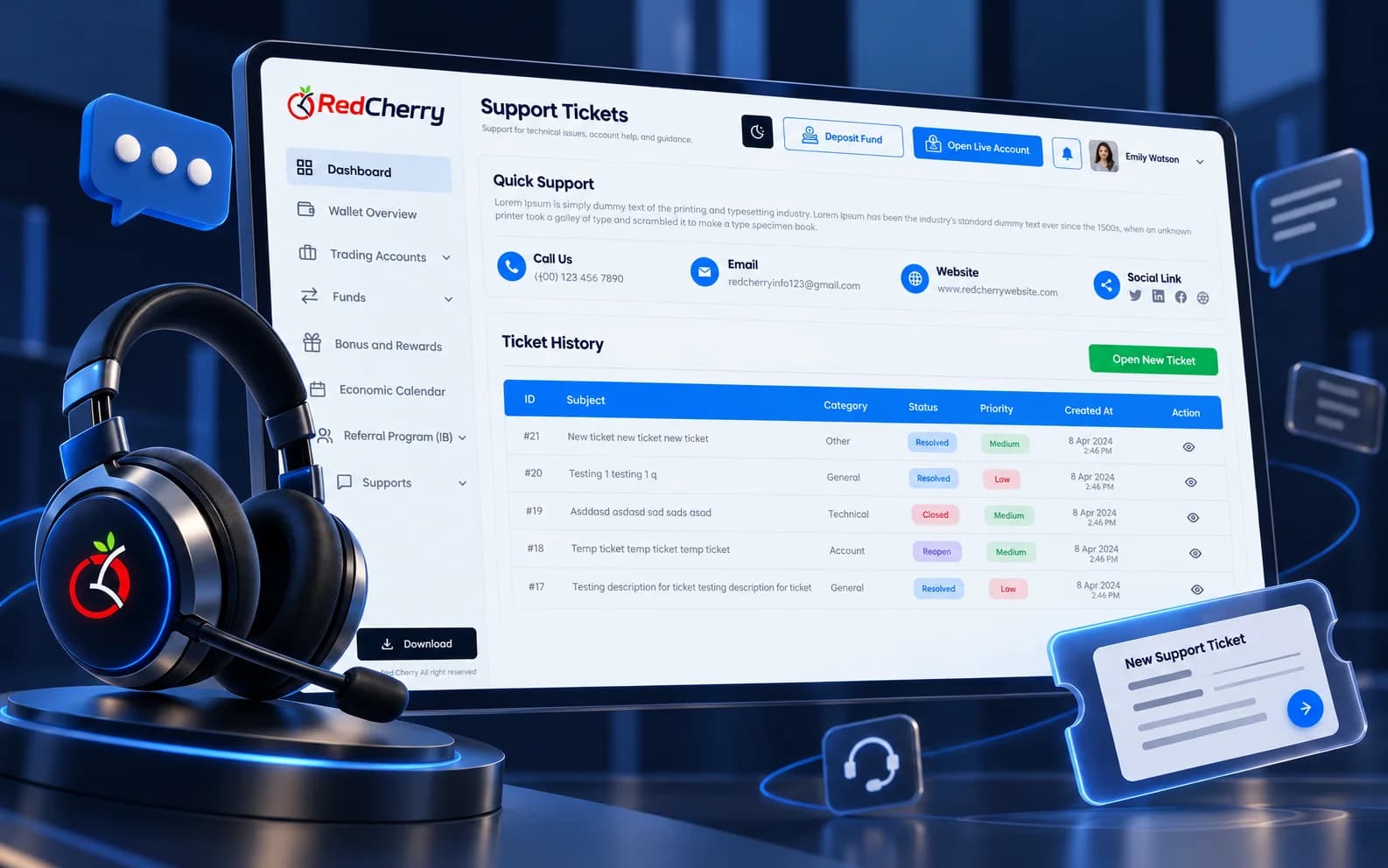
The portal is designed so clients do not need to call you. Balances, transactions, documents and account requests are a click away, instant notifications confirm each step, and automatic emails carry the client through registration to the first trade.
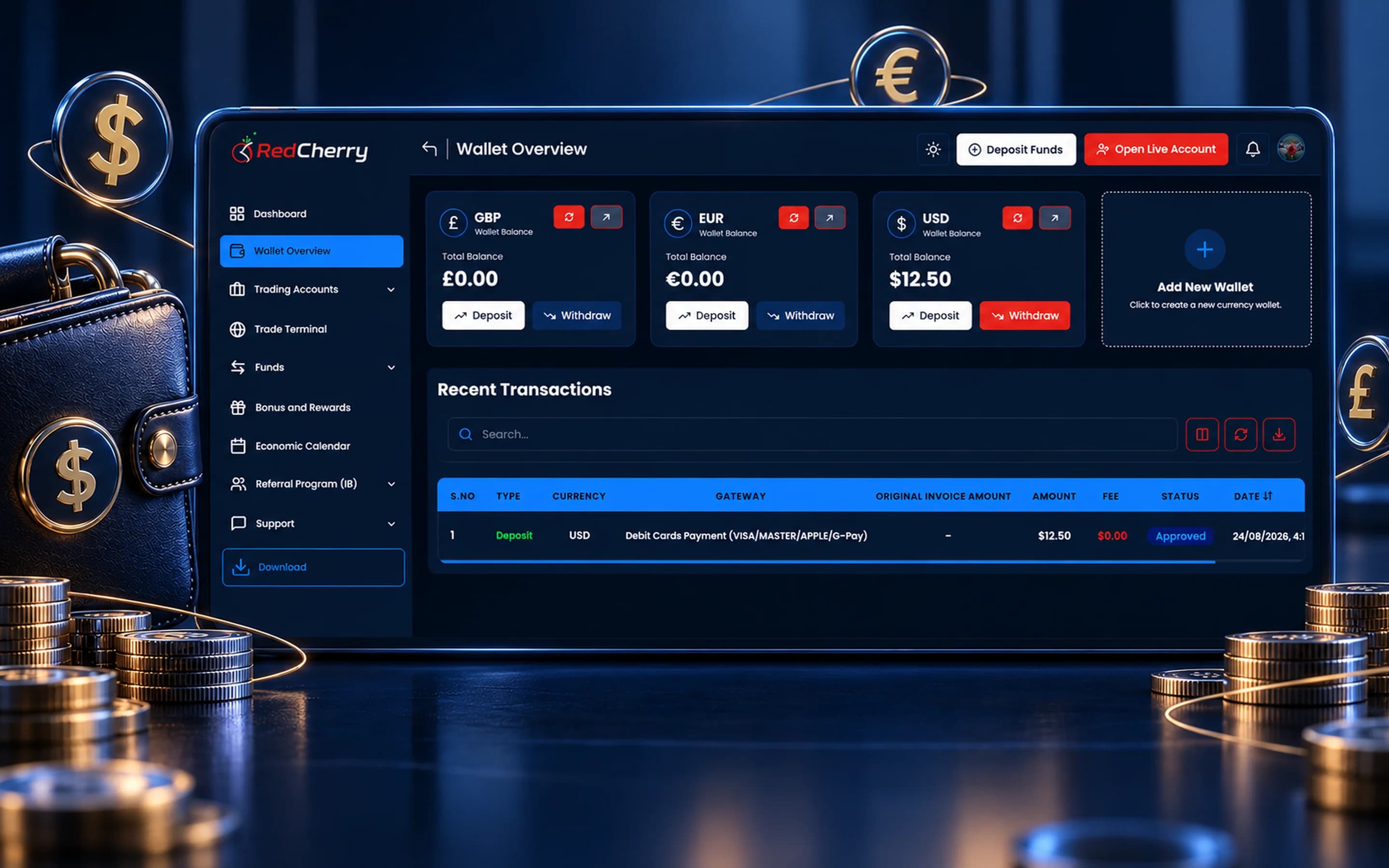
The same client area is available as a branded mobile app for iOS and Android. Traders check balances, fund accounts, manage trading accounts and receive alerts wherever they are. The app protects accounts with multi-factor authentication and biometrics, Face ID, Touch ID, PIN, pattern and password, and lets you choose which verification fields and questionnaires to require. Request the app for your brokerage through the contact page.
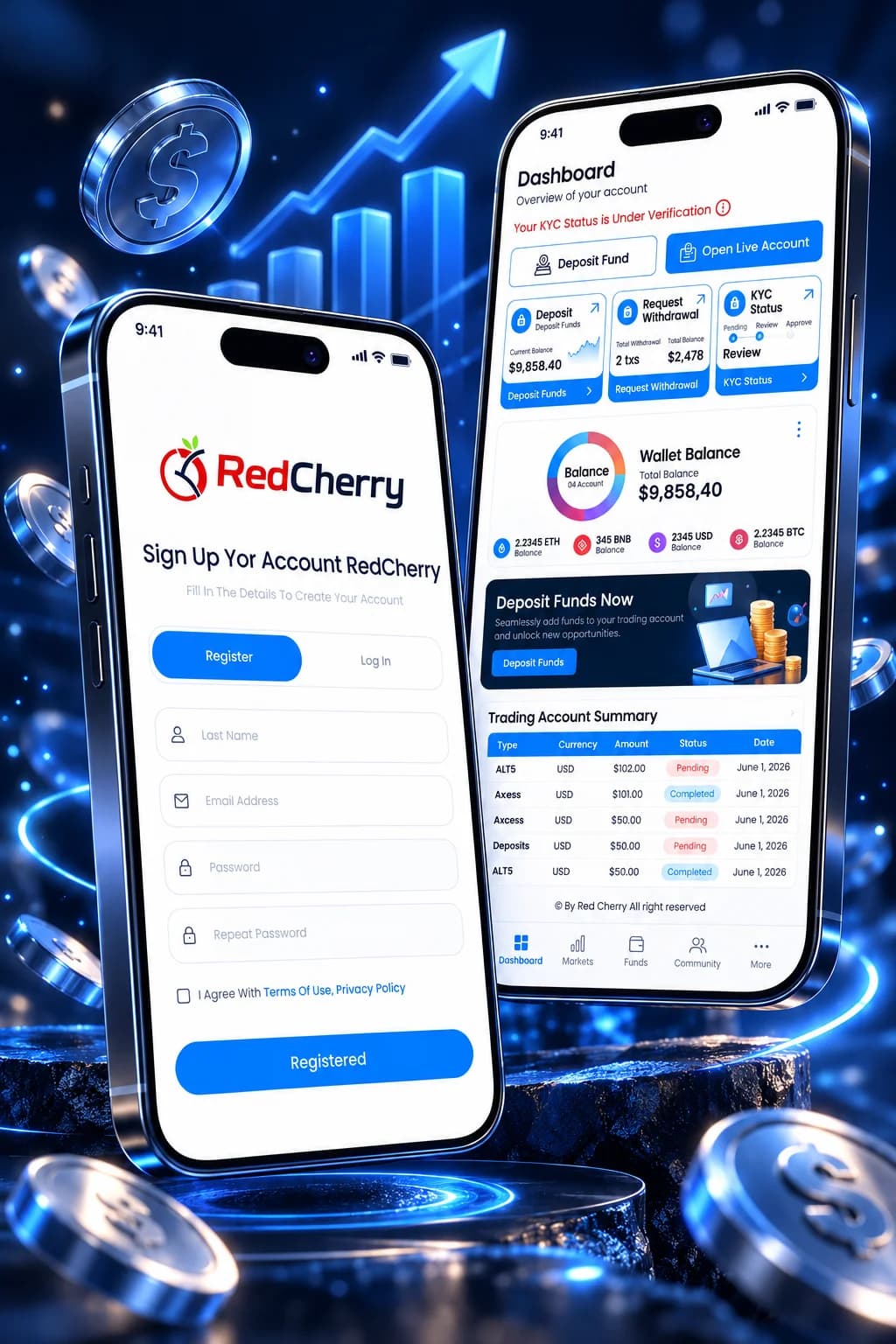
A client's first session decides whether they fund. The client area is built to carry them through it in one sitting:
Each step updates the client's record in the back office as it happens, so the sales desk sees who stalled and where, and campaigns can follow up with the clients who stopped at document upload or first deposit. The same flow runs in the mobile app.
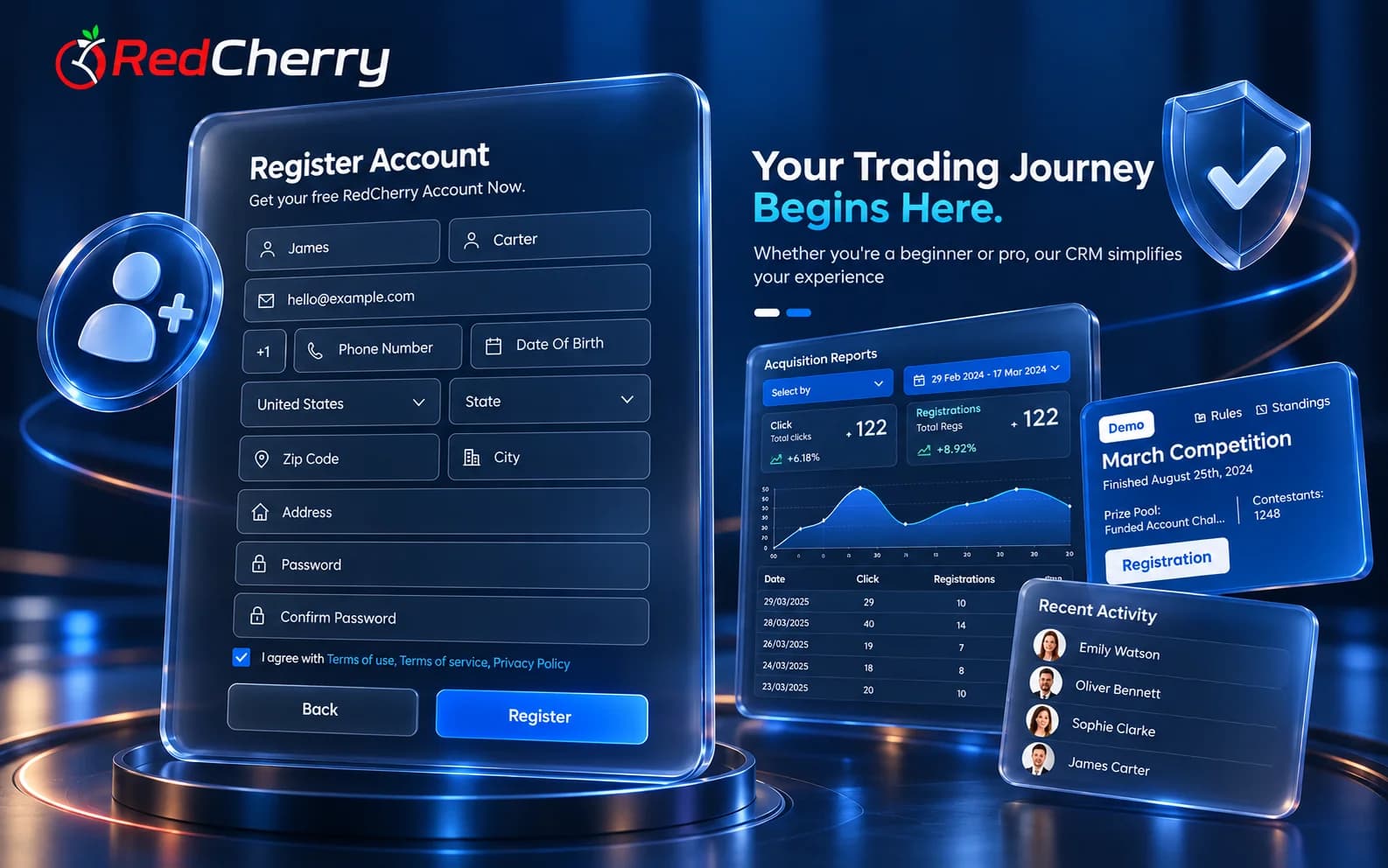
The client area runs on your domain with your logo, colors and email templates, so clients never see a third-party name. It can be translated into other languages, with country-based onboarding deciding which language, documents and payment methods a client sees. Content such as the dashboard banner, bonus announcements and knowledge base articles is managed from the back office, and the same branding carries into the mobile app and the partner area, so a brokerage presents one product to clients and IBs.
Built on over 15 years of work on client areas and CRMs for brokers.
Regular releases add new tools to the CRM, client and partner areas.
Customize everything and connect a wide range of third-party solutions.
Clean, tested and secure code that runs 24/7, 365 days a year.
Experienced developers build custom solutions quickly.
Match every element to your brand and colors.
Notifications about the things each client cares about, on web and in the app.
The client-facing portal of a brokerage, where traders register, verify, deposit, open trading accounts and manage their relationship with the broker. In RedCherry it is the client area, branded as yours.
Yes. Your logo, colors, domain and email templates, with the option to translate the portal into other languages.
Yes, within the limits you set. Approved clients open live and demo accounts on your MT4 or MT5 servers from the portal.
Yes. A branded app for iOS and Android gives clients the same client area with alerts, MFA and biometric sign-in.
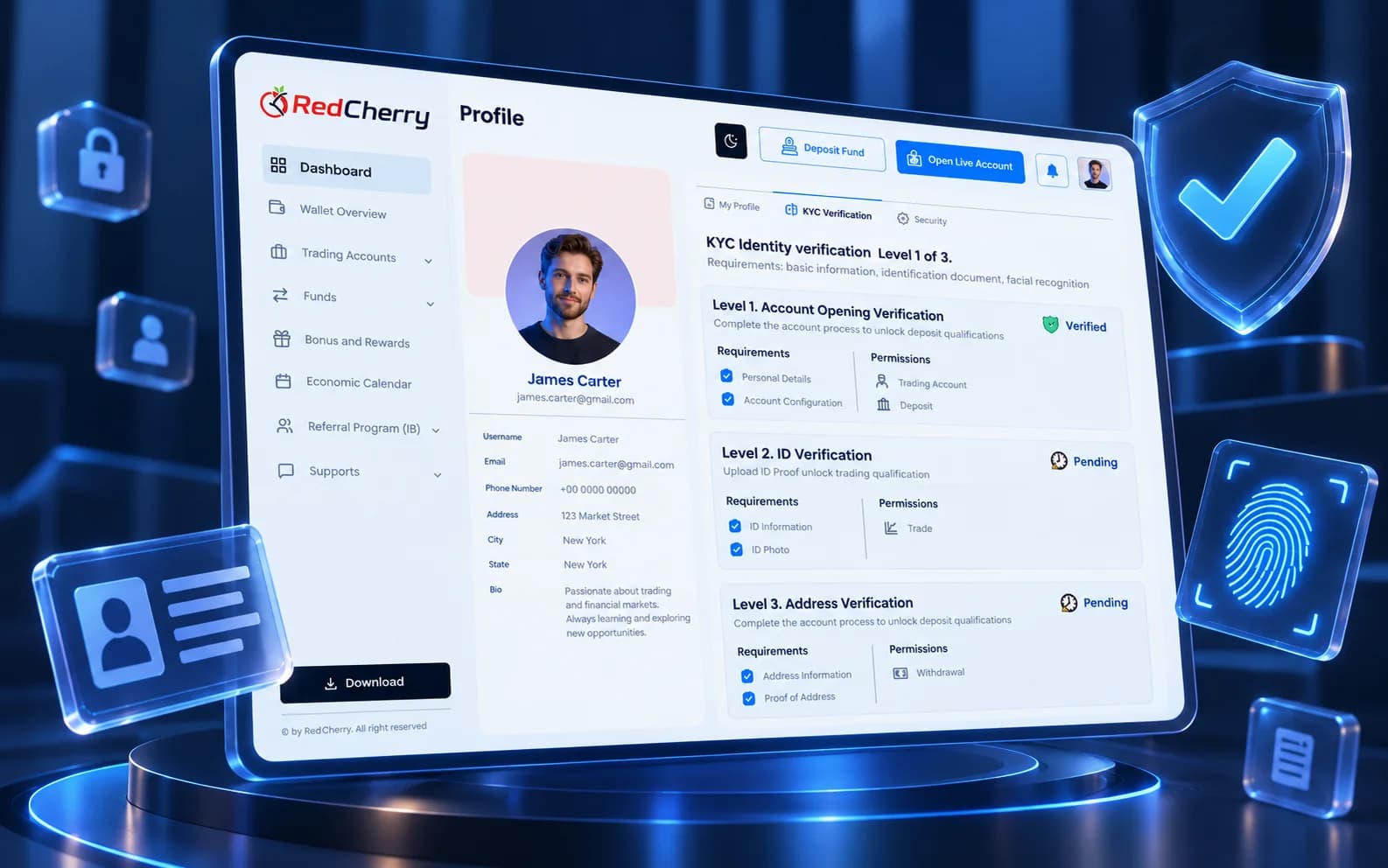
Yes. Verification levels, requirements and the next step are shown in the portal, and clients upload documents there.
Yes. Clients can take part in the IB and referral programs with their own links and statistics.
Yes. The portal can be translated into other languages, and country-based onboarding decides which language, documents and payment methods each client sees.
Through the payment methods enabled for their country, such as cards, bank transfers, e-wallets and crypto, into a wallet in their currency, with the fee and the credited amount shown before they pay.
Sign-up, SMS verification and KYC with Sumsub, Shufti Pro & Didit
Explore Onboarding & KYCMulti-currency wallets and 12 payment gateways
Explore Wallets & PaymentsSign-up, deposit and recurring bonus programs
Explore Bonuses & RewardsThe client-facing side of a brokerage explained: what clients do there, what it must include and how it connects to the back office.
Read the guideTraders expect everything at the tap of a screen. Here is what the latest app release adds for them.
Read the guideHow brokers use automated KYC and onboarding workflows to get clients trading sooner.
Read the guideBook a demo and see the client area, on web and mobile, in your own brand.
Book a demo