
Canned responses
A library of approved replies for faster answers.
RedCherry
Broker & Prop Firm CRM
Support Desk
Multi-channel tickets with priority routing, SLA alerts and canned responses, connected to the client record your team already uses.
Tickets are assigned automatically, prioritized and monitored against your SLAs, with a knowledge base that answers common questions first.
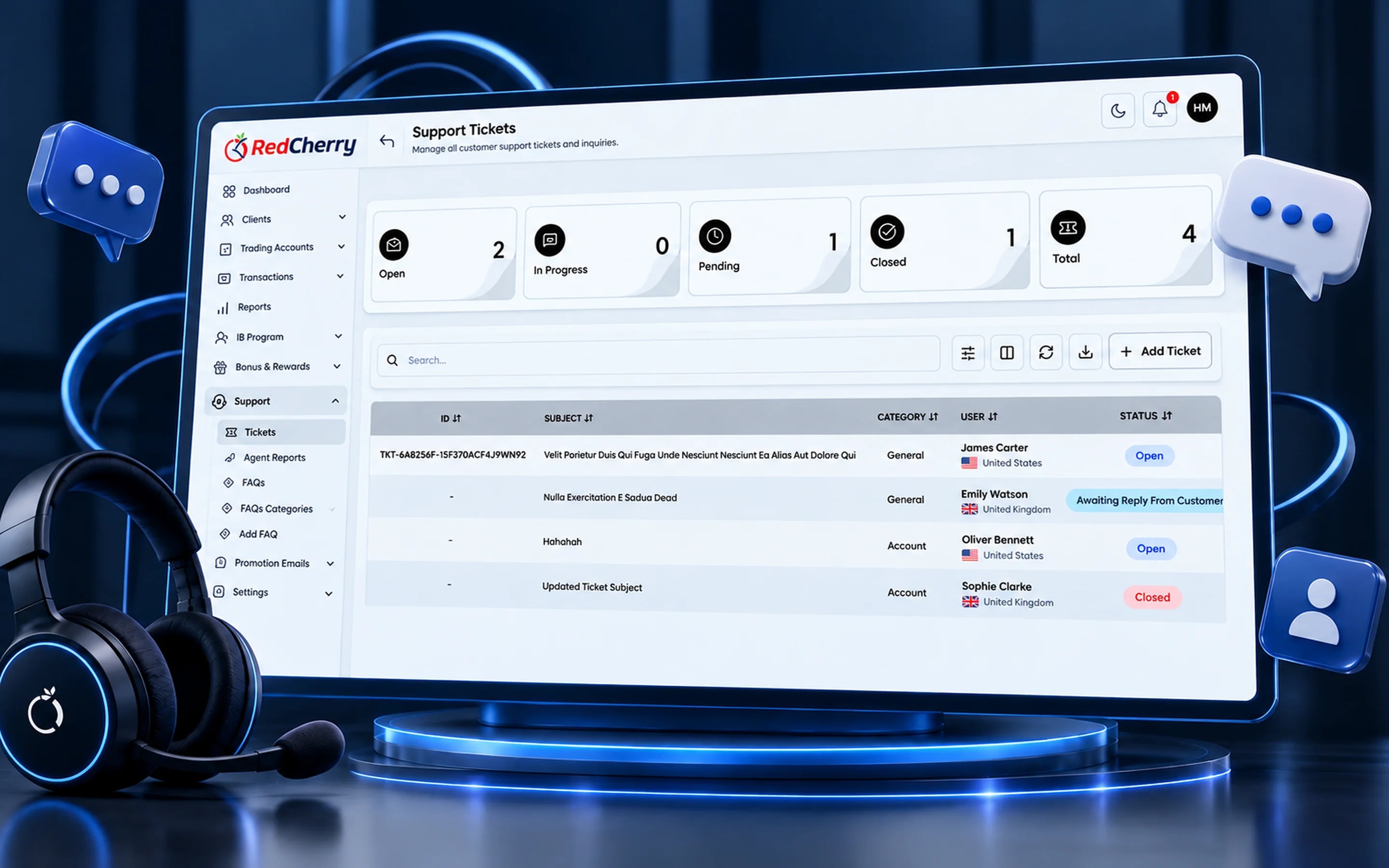
A library of approved replies for faster answers.
Collaborate on a ticket without the client seeing it.
Response and resolution times by agent and team.
Articles that answer common questions before a ticket is raised.

Step 1
The client raises a ticket from the portal or another channel.

Step 2
It is prioritized and assigned to the right team automatically.

Step 3
The team resolves it within SLA and the client is notified.
Support for a brokerage is rarely about the software; it is about money and documents. A client asking where their withdrawal is needs an agent who can see the request, its approval status and the gateway in one view. RedCherry's service desk opens every ticket on the client's record, so the answer is there without switching tools.
Tickets arrive from the client portal and other channels, are prioritized and routed to the right team automatically, and are measured against the SLAs you define. Canned responses keep answers consistent, internal notes let finance or compliance weigh in without the client seeing the discussion, and a knowledge base answers common questions before a ticket is raised.
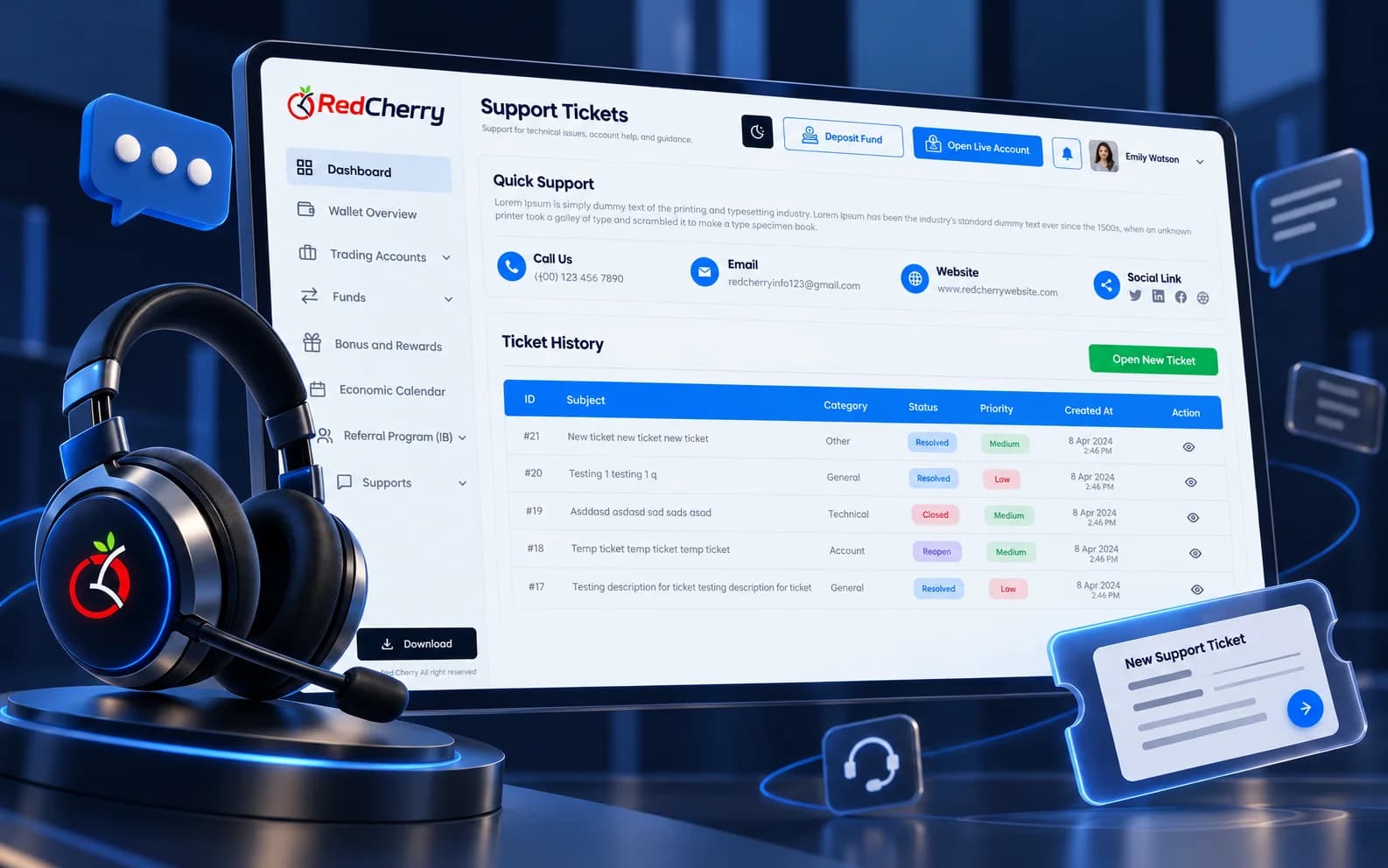
Most brokerages route by category: withdrawal and deposit questions to finance, document and verification questions to compliance, platform and login questions to technical support, and everything else to the first line. Priorities follow the money, so a pending withdrawal above a threshold is high priority by rule. SLAs are then set per priority, for example a first response within one hour for high priority and a resolution target within one business day, with alerts to the team lead before a deadline passes.
Because every ticket opens on the client record, an agent answering a withdrawal question sees the request, its approval status and the gateway without asking finance, and can leave an internal note for finance when a decision is needed. Resolution times by agent and team feed the same dashboard the rest of the business uses.
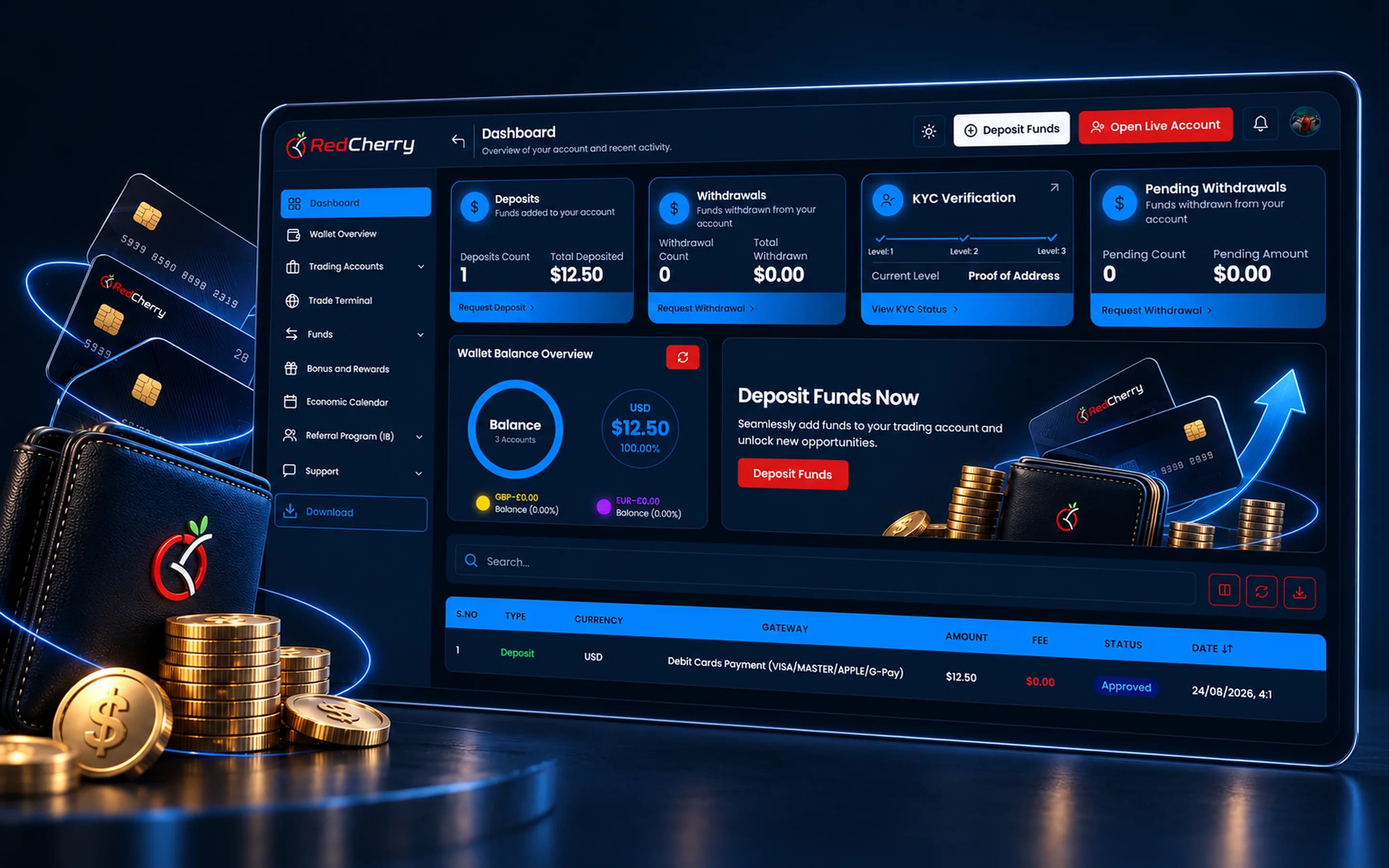
The client portal, email and other channels your team connects. Every ticket lands in the same queue with the client's record attached.
Yes. Response and resolution targets per priority or category, with alerts when a ticket is about to breach.
Yes. Internal notes and reassignment let support, finance and compliance collaborate without the client seeing internal discussion.
Yes. Articles can be published for clients in the portal and used by agents as canned responses.
Yes, within the permissions you grant. An agent can see deposit and withdrawal status without being able to approve them.
Yes. Tickets handled, response and resolution times are reported by agent and team.
Client & lead management, scoring and segmentation
Explore CRM & Lead ManagementSign-up, SMS verification and KYC with Sumsub, Shufti Pro & Didit
Explore Onboarding & KYCMulti-currency wallets and 12 payment gateways
Explore Wallets & PaymentsTraders expect everything at the tap of a screen. Here is what the latest app release adds for them.
Read the guideBalancing a smooth sign-up with the checks your regulator expects.
Read the guideThe client-facing side of a brokerage explained: what clients do there, what it must include and how it connects to the back office.
Read the guide